What happens during a virtual production shoot day in practice?
A virtual production shoot day still follows the familiar logic of a studio schedule: crew call, technical setup, rehearsal, shooting and wrap. What changes is the amount of coordination needed between physical departments and the digital systems driving the LED environment. The day usually starts earlier on the technical side, depends on tighter calibration, and leaves less room for vague handovers once cameras are ready to roll.
Table of Contents
Arrival and pre-call: setting the stage
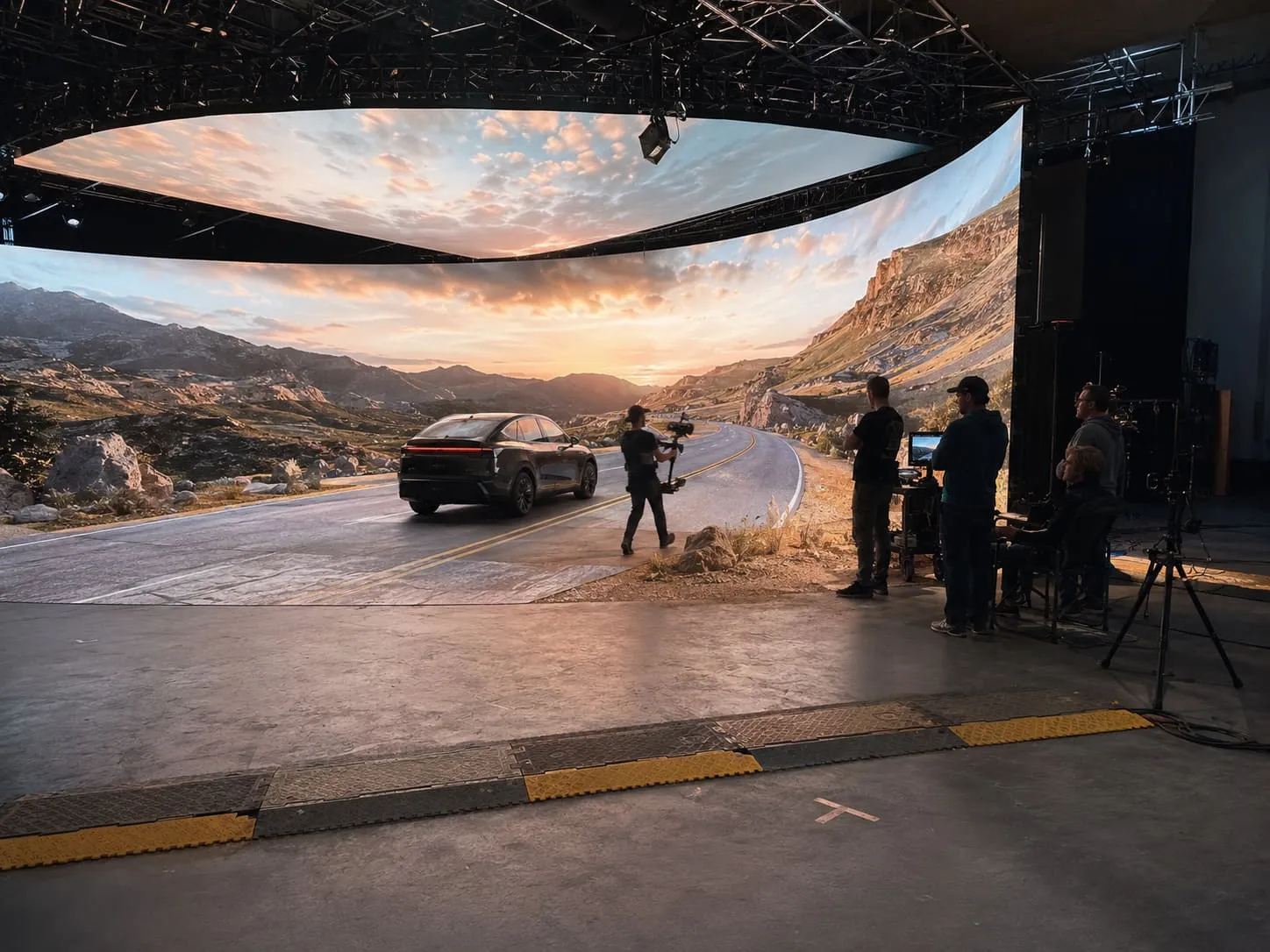
A virtual production call time often begins with a split schedule. Core technical crew may arrive before the main unit so the stage is stable before talent, agency teams or clients step in. In Studio 2, that early window is used for access control, safety briefings, power-up routines, crew Wi-Fi setup and the first system checks across the LED volume, playback and camera tracking.
Unlike a standard blackout stage, the pre-call setup has more points of dependency. If one system is late to readiness, the rest of the chain can stall. That is why the first hour tends to be calm, procedural and closely managed.
Key pre-call activity usually includes:
- stage access and vehicle movement planning
- safety checks around rigging, cable runs and operator positions
- LED wall calibration and playback boot-up
- lighting desk and control network checks
- camera, tracking and monitor signal verification
Elsewhere Productions may already be on the floor with playback systems open, while the in-house rigging team confirms any flown elements and Cinelight London aligns practical lighting with the planned scene file. A conventional studio day can absorb a bit of drift in those early minutes. A virtual production stage usually cannot.
LED volume and environment setup: building the digital world
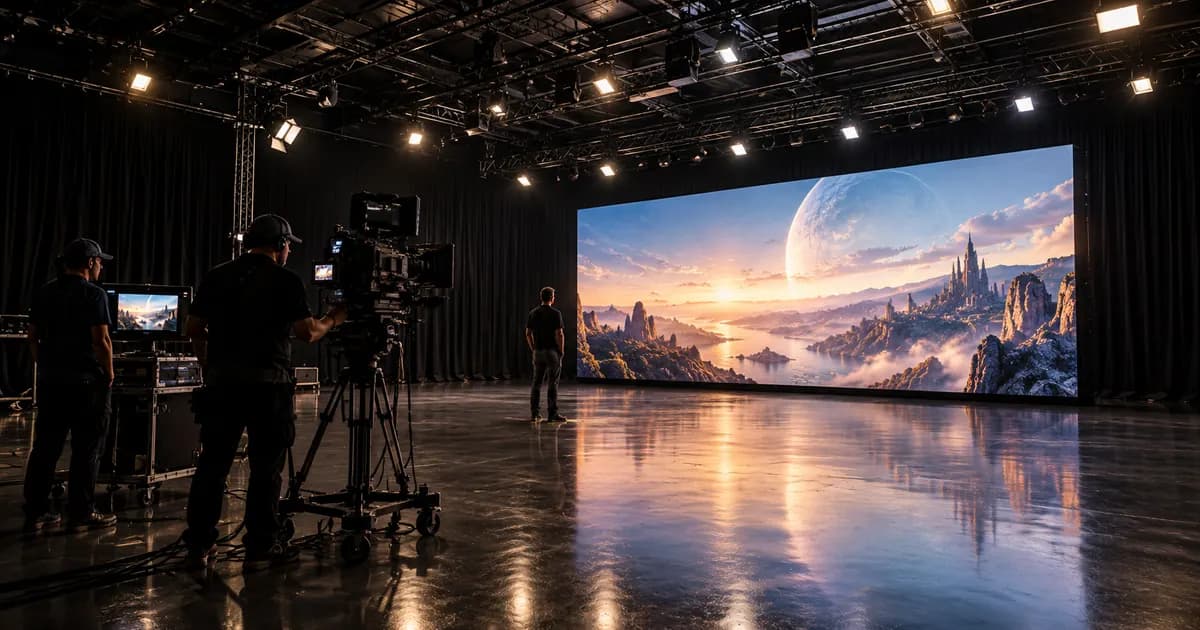
The digital backdrop is never an instant switch-on element. Even with prepared assets, the LED volume setup takes coordination across content, colour, signal flow and on-set viewing conditions. A wall can be physically ready long before it is creatively ready.
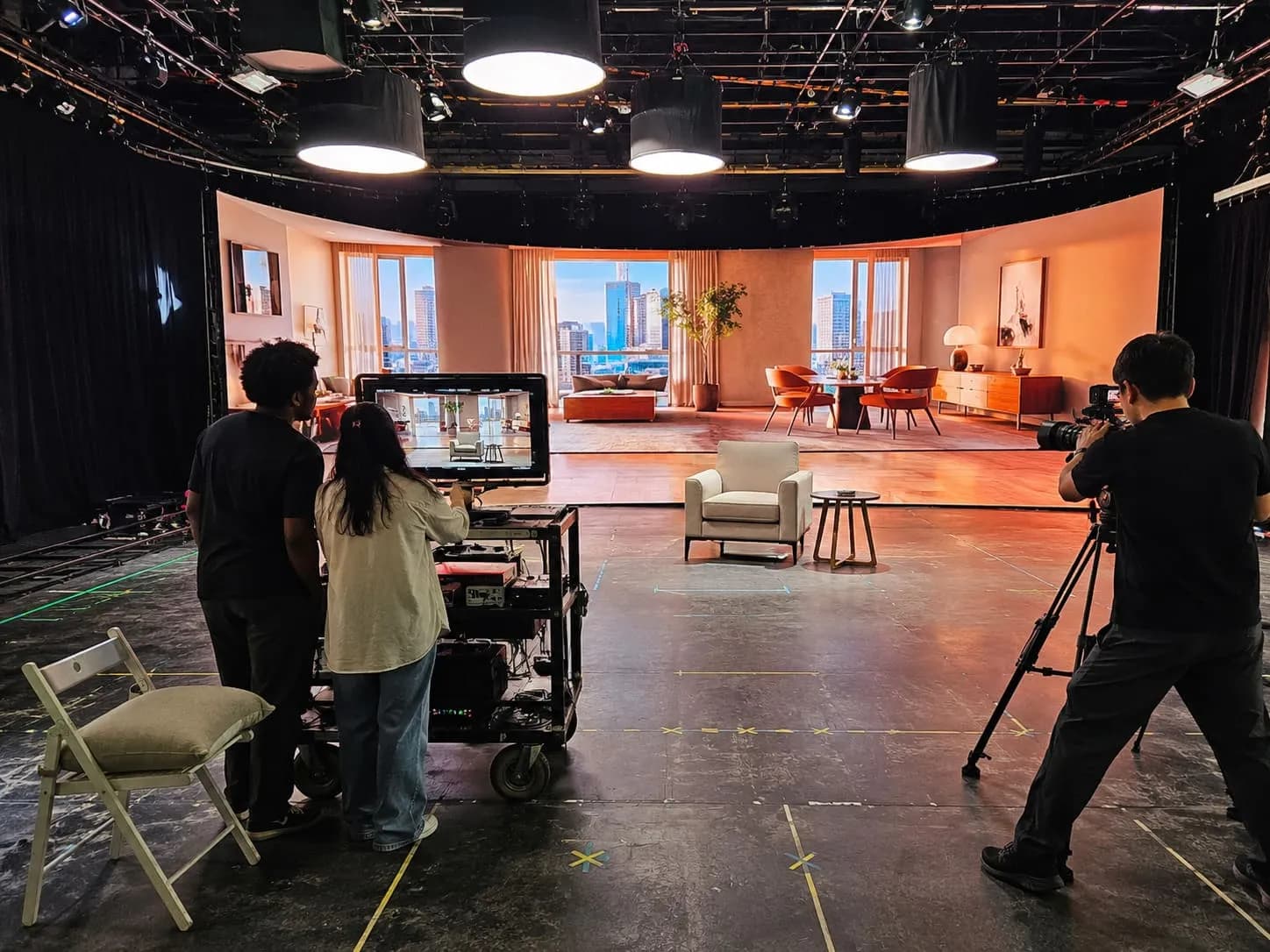
One part of the job is hardware. The ROE LED volume needs correct mapping, stable signal paths and consistent panel performance across the surface. Another part is environmental setup, which means loading the right scene, checking scale, confirming playback logic and testing how the content behaves through the shooting camera instead of judging it by eye from the floor.
What gets configured first
Most teams work through the environment in layers. The broad sequence often looks like this:
- Confirm wall layout, signal routing and playback connections.
- Load environment assets and verify scene versions.
- Check colour calibration and camera response.
- Test real-time rendering or playback behaviour under show conditions.
- Run a brief technical rehearsal before wider crew call.
That process matters because a digital world that looks acceptable on a workstation can fail once lenses, exposure and reflective surfaces enter the equation. Pixel mapping issues, brightness imbalance or poor horizon placement usually reveal themselves under camera scrutiny, not in abstract planning.
A common misconception is that virtual environment prep removes build time from the day. In practice, it shifts that labour into different departments. Time once spent dressing a physical set may now sit with playback operators, environment teams and camera tests, which means scheduling pressure moves rather than disappears.
Lighting, camera and rigging integration: aligning physical and virtual
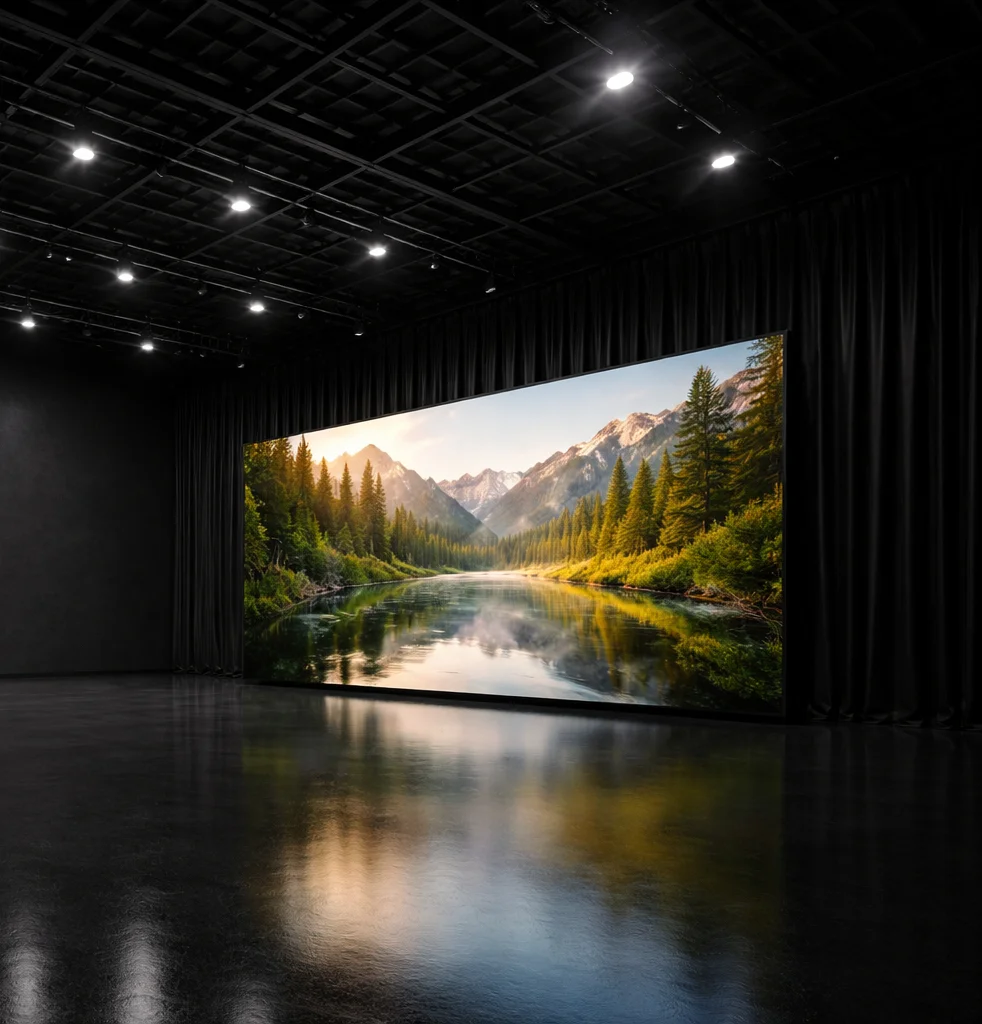
The most convincing virtual production work depends on alignment between departments that often operate on separate timelines during a traditional shoot. Lighting, camera and rigging all have to respond to the LED environment, and the LED environment has to respond back.
Interactive lighting is a good example. If the background suggests late afternoon sun from camera left, practical fixtures need to support that direction, intensity and colour character. If the wall is producing visible reflections on a vehicle, a polished prop or skin, those reflections have to feel intentional rather than accidental.
Camera tracking adds another layer. The system needs reliable positional data, correct lens metadata and stable synchronisation with the displayed environment. Minor drift can show up as parallax errors, horizon movement or backgrounds that feel subtly detached from the foreground performance.
Several moving parts sit inside that integration:
- camera tracking systems must read movement accurately
- lens data must match the actual glass on the camera
- lighting control desks must support quick scene changes
- rigging points, chain hoists and flown units must be placed with both the physical set and LED sightlines in mind
At a facility such as Mammoth Film Studios, Studio 2 is set up so these disciplines can work in the same operational frame rather than being treated as separate add-ons. That distinction matters on the day. A flown soft source moved a metre too far forward, or a tracking marker seen in the wrong angle, can turn into a delay that affects every following department.
Technical rehearsals are where many of these issues surface. Latency, sync mismatches and spill problems are rarely dramatic, but they are stubborn. A measured half-hour here can save repeated compromised takes later in the afternoon.
Rehearsal and blocking: testing the virtual environment
Rehearsal in an LED volume is partly about performance and partly about proving the system under real movement. Blocking that would be straightforward on a practical set can expose scale problems once actors, camera and background all interact at once.
A simple walk from mark A to mark B may reveal that the scene horizon feels too high, the digital architecture reads too small, or a camera move pushes the background into an unconvincing parallax shift. Those are not abstract technical faults. They affect framing, eyelines and pace.
Directors, the director of photography, playback operators and the wider production team usually treat this stage as live problem solving. Real-time feedback is one of the strengths of the format, but it only works if the room is prepared to adjust quickly and without confusion.
Common rehearsal adjustments include:
- refining actor marks so movement stays within the strongest viewing zone
- changing lens choice to improve scale and depth behaviour
- adjusting scene placement or horizon level for cleaner composition
- reducing or reshaping practical light so the wall remains believable
- correcting parallax behaviour before a more complex move is attempted
Some of the most useful fixes are small. A minor shift in camera height can settle the background instantly. A tighter frame can remove a weak edge of the volume. A changed approach to blocking can do more for realism than another round of scene tweaking.
Shooting workflow: managing takes, playback and adjustments
Once the shoot is up and running, the rhythm looks familiar on the surface. The crew rolls cameras, the director watches performance, the DP tracks image quality and the production team manages time. The difference is that the background remains part of the active set, not a static condition.
Between takes, playback systems may need scene resets or subtle changes. A cloud cover level might be altered, a moving light source may be slowed, or a digital backdrop could be shifted to better suit a revised camera line. Those changes are often quick, but they still need clear communication.
A typical sequence on the floor might run like this. The scene is called in, camera tracking is confirmed, the environment is loaded and final lighting cues are checked. After the take, key heads review performance and image behaviour together. If an adjustment is needed, the hold is usually technical, creative or both, and the room needs to know which one it is.
That distinction is useful because not every interruption has the same source. A technical hold may involve tracking stability, playback timing or LED artefacts on camera. A creative adjustment might involve reframing the background or changing the relationship between foreground action and the virtual set.
Good communication flow matters more here than on many standard stage days. If the director asks for a wider frame, the knock-on effect may involve the DP, playback operator, lighting desk and art direction logic all at once. Fast shooting is still possible, but only once the team agrees on the language and the chain of approval.
Data management and wrap: securing and closing the day
The end of a virtual production shoot is usually more layered than a simple lights-down and de-rig. Footage still needs the usual handling, but the day may also generate environment versions, playback records, tracking data references and notes on scene changes that affect continuity if the shoot returns later.
Wrap therefore has two jobs. One is physical breakdown. The other is digital housekeeping.
- Confirm media backup status and transfer priorities before equipment starts moving.
- Save and label final environment files, playback states and change logs from the day.
- Note any camera tracking, lens or sync issues that need follow-up before the next call.
- Coordinate de-rigging of lighting, rigging and stage hardware in the right order.
- Check that production areas and stage systems are signed off by the relevant operators.
Data wranglers and playback operators are often central at this point because a missing file label or unclear version note can create expensive confusion later. Meanwhile, the in-house rigging team may already be working through flown equipment and access planning so the physical stage can turn around safely.
Wrap also tends to expose whether the day was documented properly. A rushed note during setup can become a major gap when trying to match an environment, camera height or lighting cue on a later date.
What changes, and what doesn’t: rethinking the studio day
Virtual production changes the shape of the studio day, but it does not remove the discipline that good production has always required. Crew hierarchy still matters. Prep still matters. A well-run floor still depends on timing, clear responsibility and realistic scheduling.
What changes is the concentration of technical dependencies inside the shooting window. The background is active, configurable and responsive, which means more departments are tied together in real time. Delays can arrive from unfamiliar places, including tracking drift, scene calibration or display behaviour that only appears under a certain lens and movement combination.
Some things remain constant. Experienced production teams still read the room, protect the schedule and avoid solving every issue in front of a waiting unit. Directors and DPs still need space to judge the image properly. Producers still need infrastructure that supports decisions instead of slowing them down.
That is why hybrid production works best in studios built around operational clarity. A site such as Mammoth Film Studios illustrates the point through separation of use: Studio 1 serves large-format traditional production, while Studio 2 supports blackout and LED-based workflows with the systems around it. The lesson is broader than any single building. Virtual production works well when the space, crew and workflow are aligned before the first shot of the day, not when the format is treated as a shortcut.