What should every creator know before stepping onto a virtual production set?
Virtual production blends real-world performance with digital environments in real time. It is powerful, but it has clear limits. Creators must be realistic about its capabilities. Think of it like having cinematic superpowers. Those powers, however, come with rules. This guide lays out the essentials every creator should understand to make the most of virtual production, and shows how virtual production works at Mammoth.
1. Understand What Virtual Production Can–and Can’t–Do for Your Shoot
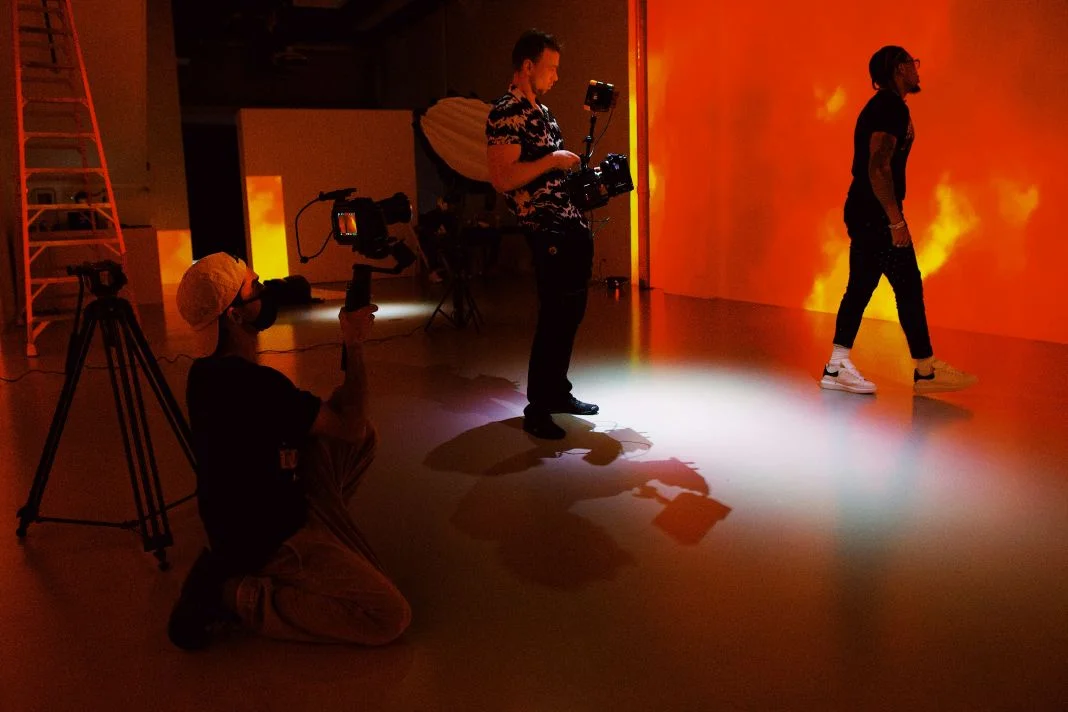
Virtual production (VP) merges physical sets and digital environments using LED volumes and game engines like Unreal Engine. However, assuming it can replace every element of filmmaking often leads to disappointment.
VP excels at delivering interactive lighting, believable parallax, on-camera effects and virtual set realism. These strengths shine when environments are optimised for in-camera visual effects (ICVFX). However, if assets aren’t prepared correctly, problems like reduced resolution, mismatched colours, or flat lighting can disrupt the illusion.
Compared to green screen, VP often feels more grounded. However, that realism depends on accurate parallax and reliable camera tracking through systems like Mo-Sys or OptiTrack. If tracking fails or environments aren’t set up properly, the scene quickly falls apart. VP works best when its strengths are understood and respected.
2. Why Strong Pre-Production Makes or Breaks a VP Project
Pre-production is critical in VP. Traditional shoots might allow some improvisation, but virtual production relies on planning everything in advance.
Environment approval, lighting previews, scene testing, shot previsualisation, and render checks must all happen before shoot day. Using tools like Unreal Engine sequences or previs software gives creators a clear view of the project ahead of time. Without this structure, production slows and costs rise.
Finalising blocking, shot composition, and colour pipelines like ACES during pre-production prevents mismatches later. When preparation is strong, shooting feels effortless. When pre-production is weak, even simple scenes can become difficult to execute.
3. Camera Tracking: The Essential Basics Creators Must Get Right
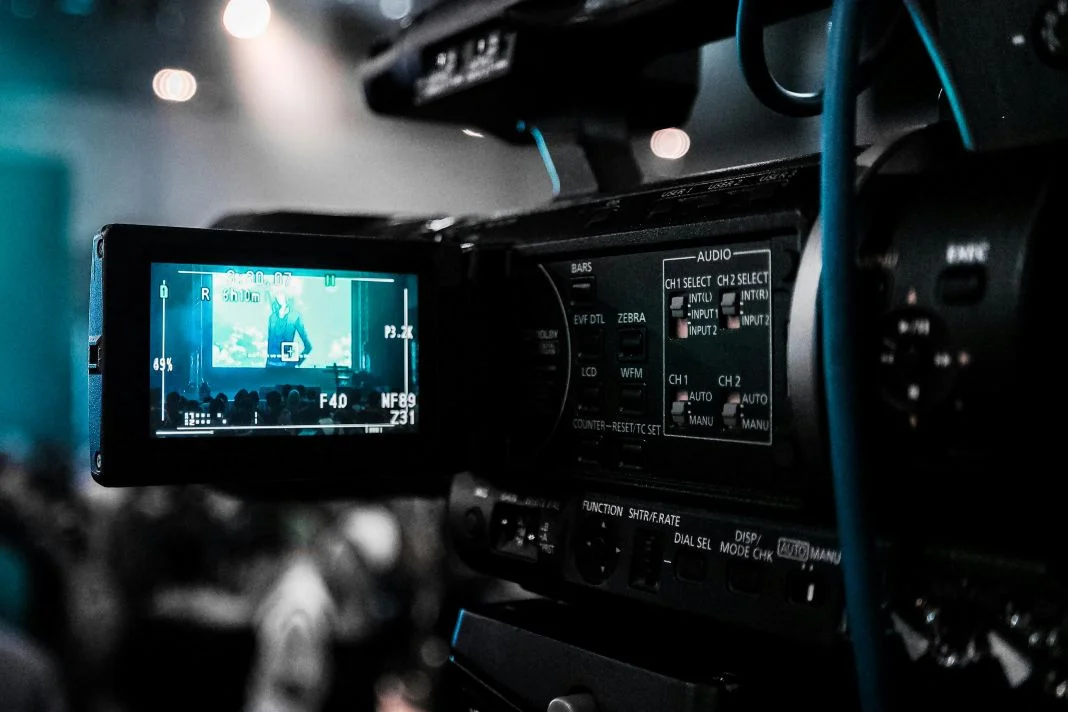
Camera tracking links real camera movement with the virtual environment. This connection ensures that the digital world shifts realistically with the camera's movements.
Studios often use Mo-Sys, OptiTrack, or Vive Mars to track movement, with calibration data from sensors and encoders to ensure tracking accuracy and handle occlusion effectively. If calibration isn’t accurate, parallax can drift–breaking the sense of space.
Staying inside the tracked volume is crucial. Planning movement paths and calibrating lenses helps avoid issues like jitter, occlusion, or stutter. If calibration is neglected, the virtual scene will not respond as expected.
Troubleshooting Tips: Common Tracking Pitfalls
- Drifting backgrounds? Recalibrate your markers.
- Parallax feels off? Lens data might be misaligned.
- Stutter during camera moves? Watch for signal interference or occlusion.
- Tracking cuts out mid-shot? You’ve likely moved beyond the tracked space.
4. Lens Data, Distortion & Metadata: What You Need to Know Before Filming
To sync physical and virtual imagery, the system needs to understand your lens.
Lenses introduce distortion, vignetting, and unique viewing angles. Matching these characteristics in Unreal Engine ensures consistency using distortion correction tools, especially when dealing with anamorphic lens mapping. Systems like ARRI’s LDS or metadata from Cooke and Zeiss support this process.
If metadata is missing or mapping is skipped, your background may warp unnaturally. Feeding correct lens data, such as zoom, focus, and aperture, helps the system adjust visuals in real time. Mismatches make footage unusable.
5. Lighting for Virtual Production: How to Avoid Flat or Unnatural Results
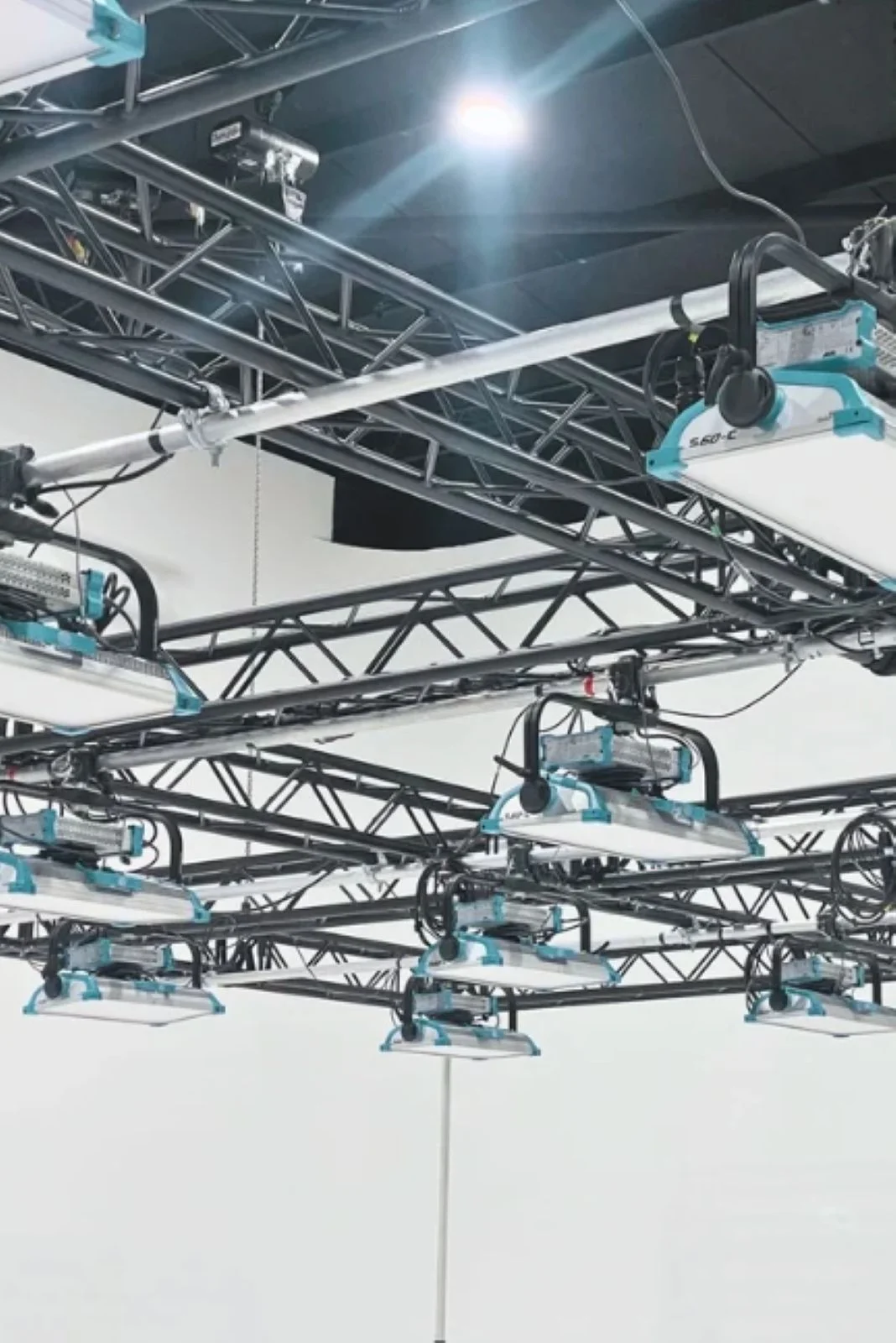
LED walls add ambient light, but they don’t replace proper lighting setups.
Supplement with fixtures like ARRI Skypanels or RGB lighting systems. Use DMX control to sync direction, intensity, and temperature. Without this, actors appear flat or out of place.
Lighting must match the virtual environment. If the lighting does not match, reflections will appear off and the scene will lose depth. Control spill, contrast ratio, lighting previews, and shadows to blend subjects into the digital world seamlessly.
6. Unreal Engine Essentials: The Only Features You Actually Need to Understand
You do not need to be a developer, but having a working knowledge of key features is helpful.
Lumen provides real-time lighting. Nanite supports high-density geometry without frame drops. Understanding frame rates, texture streaming, asset loading time, performance tuning, and draw calls lets you communicate effectively with the virtual art department.
Collaborate with the tech team to preview scenes, optimise assets, and maintain performance. Even a basic understanding prevents miscommunication.
7. Physical Limits, Movement Constraints & Frustum Rules You Must Plan Around
Every VP stage has boundaries. The frustum is the camera’s tracked area. Stay inside it to maintain realism. Quick pans, wide lenses, or cranes may push beyond the frustum, distorting the scene. Plan your blocking and lensing accordingly to fit within digital stage dimensions and the camera cone of visibility. Foreground objects must behave in line with virtual parallax. If a prop feels disconnected, it’s likely not aligned with the background depth.
What is the frustum, visually?
Picture a cone of vision extending from the camera. This is the frustum. Inside it, the scene works. Stepping out of the frustum causes the digital illusion to collapse.
8. Budget, Crew & Time: The Realistic Expectations for Any VP Shoot
VP can save time, but only if properly planned.
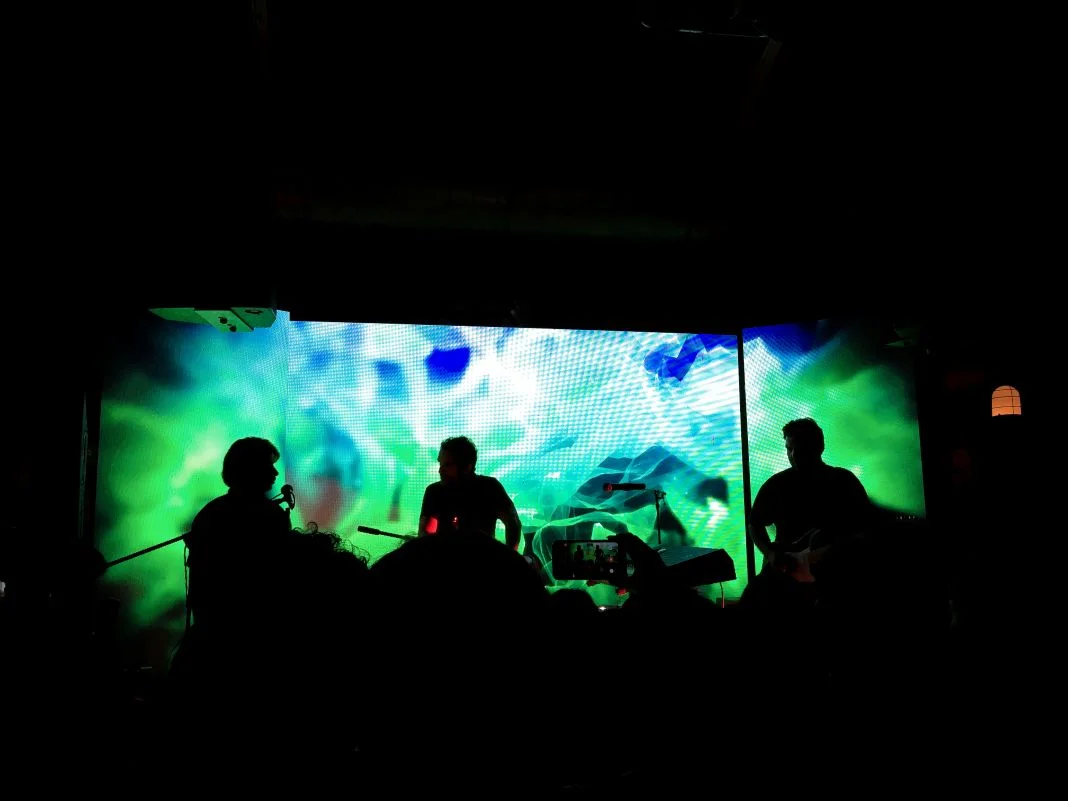
Expect long setup windows and daily calibration. Essential crew includes tracking operators, Unreal artists, VP supervisors, LED techs, and a DIT. If these roles are missing, the shoot slows significantly or may fail entirely. Costs often shift from post-production to pre-production. Use VP when it saves on reshoots, travel, or complex setups. However, don’t expect it to be cheaper by default.
9. The Key Roles on a Virtual Production Set–and Who Does What
Each crew member plays a vital role. The VP supervisor manages the pipeline. Unreal artists adjust the environment in real time. Tracking operators keep movement data flowing. LED technicians monitor display output. The DIT works with the DoP to match in-camera and engine visuals.
Knowing who does what keeps communication clear, defines workflow handoff, and maintains role clarity throughout the shoot.
10. How to Prepare Your Files, Team & Questions Before Booking a VP Studio
Smooth shoots begin with solid prep. Ask what the studio provides: Do they supply a VAD team? Do they offer preview days? What file types and frame rates are supported?
Before your shoot:
- Deliver assets in the right format and resolution.
- Confirm your colour pipeline.
- Get a tech spec from the studio, request a tech handoff template, and confirm a scene validation preview slot.
- Test your scene in advance.
Studios like Mammoth Film Studio often help with onboarding. However, creators must come organised to make the most of the session.