How do you size an LED volume and set your shooting distance?
Size the volume from the shot list, then set the distances by test. The wall has to cover the frame, the subject needs enough separation, and the camera has to sit far enough back for the lens and pixel pitch to hold up. Framing, blocking, reflections, focus and movement decide the working volume.
Table of Contents
A stage that looks small on paper can work cleanly for a tight product frame, a window plate or an interview. A much larger wall can still fail if the frame edges, reflections or camera move expose parts of the setup the treatment never allowed for.
The useful question starts earlier than the spec sheet. You need to know where the subject sits, where the camera sits, what the lens sees and how sharply the wall appears. Once those positions are mapped, the conversation becomes practical.
Close shooting works the same way. Pixel pitch matters, but the camera package, focus distance, lens behaviour and screen sync decide whether the wall records cleanly.
Shot design sets volume size
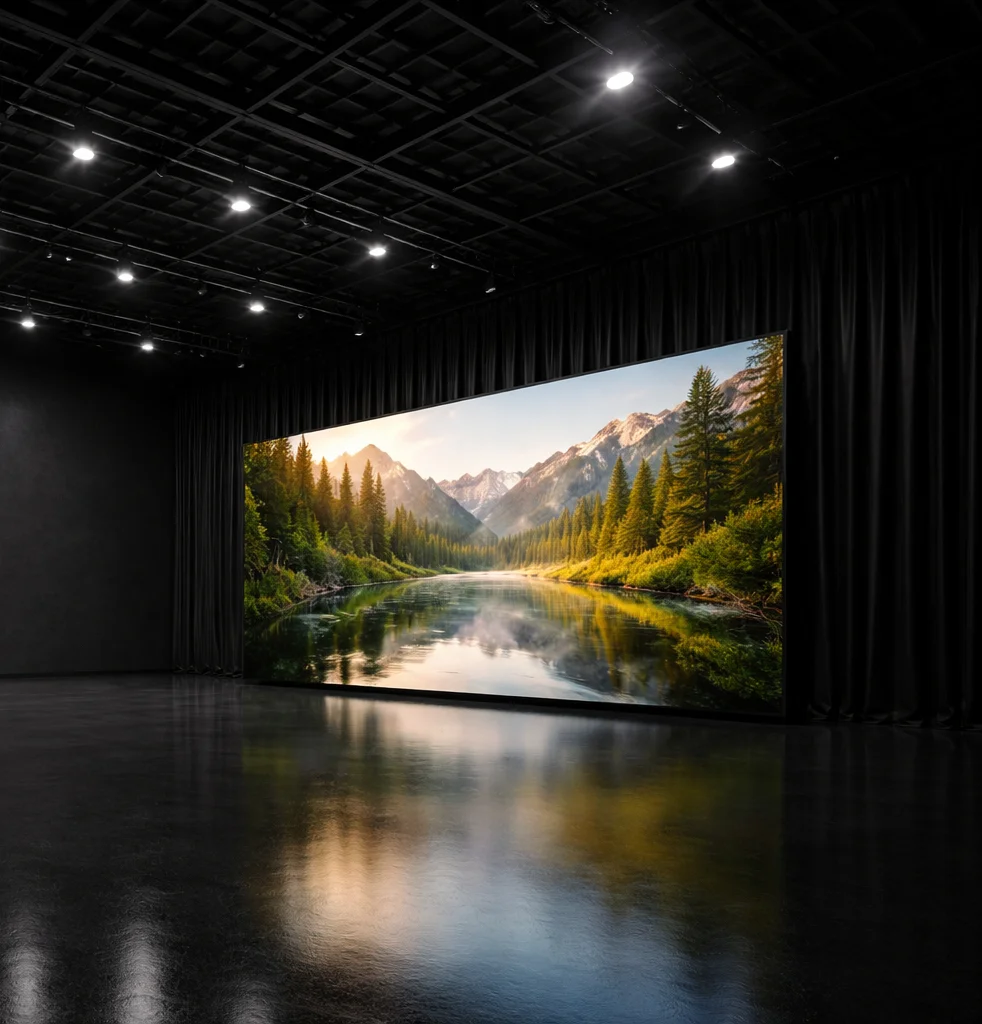
A treatment lands with an LED background baked into the board. The DP looks at the lens choice, the proposed blocking and the width of the frame, then asks the right question: will the wall cover the shot once the camera actually moves?
LED volume size is a camera and production-design decision, not a badge of scale. The working measure is the shot envelope: the area the camera sees, the space the subject or product occupies, the movement across that space, and the paths where the wall appears in reflections. Field of view and frustum planning sound abstract, but on a scout they simply mean drawing the camera's visible cone and checking what falls inside it.
Three common shot requirements pull the volume in different directions.
Tight work and moving work create different problems. A locked interview might need controlled background plates and clean separation. A reflective product tabletop might care less about background width and more about what the surface catches. A lateral camera move stretches the required wall coverage because the frame edges keep changing.
Curved screens can also change the floor plan. For the same field of view, a curve can reduce the amount of floor space needed compared with a flat wall, and it can help cameras hold better viewing angles across the screen. That still leaves the same production question: measure the planned shot envelope before judging the wall.
Distance has two meanings
Close means two separate measurements in LED work. Subject-to-wall distance and camera-to-wall distance affect different faults, so your plan needs both marked before anyone decides a setup is safe.
Subject-to-wall distance
Subject-to-wall distance controls separation. Talent standing near the wall can pick up unwanted spill, cast awkward shadows or bring wall detail into reflective surfaces. Product work has the same issue in a tighter space: a glossy pack, watch face or vehicle panel can reveal the wall even when the main camera frame seems clean.
Blocking marks matter because the subject rarely stays in one perfect position. A small step forward might help focus and separation. A small step back might make reflections harder to manage. On vehicle plates or window views, the apparent distance behind the subject also has to match the lensing, or the background starts to read as a screen.
Camera-to-wall distance
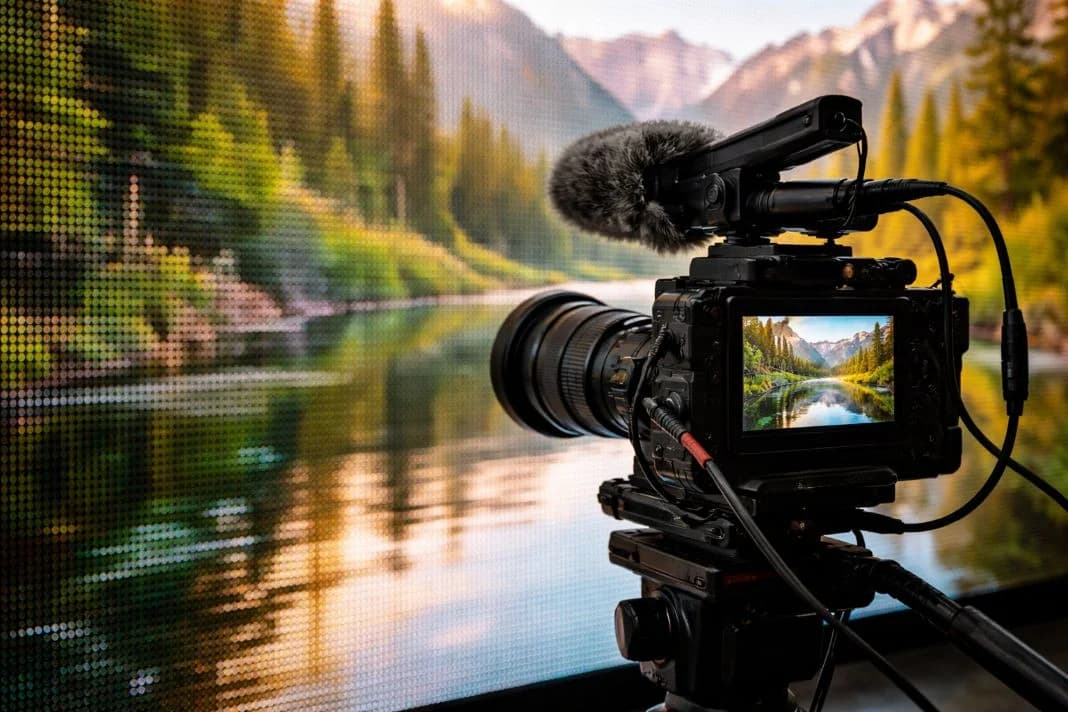
Camera-to-wall distance controls how the camera resolves the LED surface. Pixel structure, moiré and aliasing depend on how sharply the wall sits on the sensor, how the lens renders fine detail and whether the background stays inside the chosen depth of field.
A close camera can work when the wall is soft enough or when the shot uses 2D plate playback as a controlled background. A farther camera can still run into trouble if the wall is sharply focused, the patterning in the plate is fine, or the lens and sensor combination makes the panel structure visible. Put both distances into the scout notes and the test plan.
Compact walls suit tight framing
Compact LED walls have a legitimate place in commercial production. Interviews, product shots, close brand films, window plates and vehicle plate work can all fit a smaller LED screen when the shot is built around tight framing and controlled reflections.
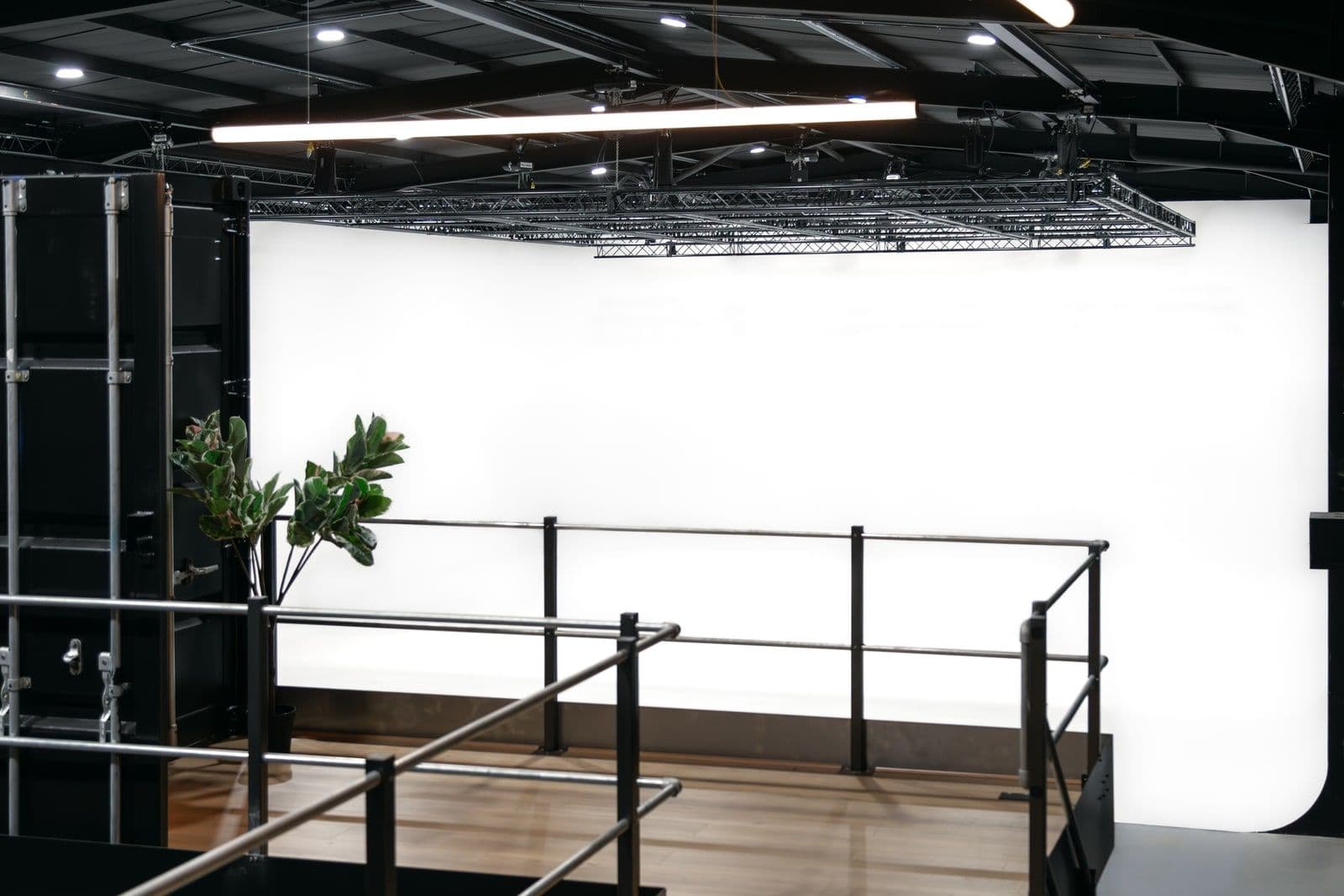
In London Zone 2, Mammoth Film Studios gives a useful compact reference point through Studio 2, its 5,000 sq ft blackout and virtual production stage. Studio 2 carries an in-house modular 8 x 4 m ROE 2.8 mm HDR LED volume, with the setup described as expandable. Virtual production references at the site belong to Studio 2; Studio 1 is the larger infinity cove and blackout stage.
Framing comes first. If the wall only needs to sit behind a seated contributor or fill a window view, the usable area can be modest. Reflections come next. A compact wall may need repositioning to appear in a product surface or vehicle glass, even where the camera never sees the full screen directly.
Modularity is the practical advantage. A repositionable screen lets the team align the wall to the frame, product height or reflective angle, which matters more than headline width on many short-form setups. Judge the compact wall through the actual frame, lens and reflective surfaces during the test.
Pixel pitch needs a camera test
Pixel pitch gives a useful starting point for close shooting, then the camera test gives the answer. ARRI reports that most moiré patterns disappeared at about 3 metres on an ALEXA Mini LF setup, while also advising productions to verify their own camera, lens and screen combination.
A close shooting limit comes from the camera, lens, focus and wall together, not from pixel pitch alone. The optical low pass filter, lens characteristics, aperture and focus distance all change the result. Screen type and processing matter too, because visible structure is only one way an LED setup can break down on camera.
Close LED work also needs camera-screen synchronisation. Genlock, the sync signal that locks camera and screen timing, helps avoid rolling bands and flicker. For a London Zone 2 setup such as Mammoth Film Studios' Studio 2, where virtual production is delivered with playback systems, on-set technical crew and Brompton SX40 processing, that operational layer sits inside the close-shooting decision.
Use the test as an ordered check, not a loose look at the wall.
- Confirm the camera package: body, sensor mode, optical low pass filter position where relevant and monitoring path.
- Set the intended lenses: include the focal lengths, aperture range and focus distances from the shot list.
- Place the subject and camera: test subject-to-wall distance and camera-to-wall distance as separate marks.
- Check the wall in focus and out of focus: include the sharpest expected background condition, since that is where patterning becomes harder to hide.
- Verify sync and playback: watch for flicker, rolling bands and processor or playback problems.
Run the test before the shoot day plan is locked, especially where close focus, fine patterns or reflective materials carry the shot.
Proof beats volume claims
The right LED volume is the smallest reliable configuration that proves the shot list. Wall geometry, side LED, ceiling LED, camera movement, playback method and sync all belong in that decision.
A moving camera increases the envelope because the frame edge shifts and perspective changes. A locked 2D plate playback setup has a different technical load from ICVFX, where live camera-tracked content changes with the camera position. Both can work, but they ask different things of the wall, the playback system and the technical crew.
Operational proof also means the stage can run the wall cleanly. Electrical supply and cooling have to hold, and signal routing has to stay tidy under camera pressure. Synchronisation units and network hardware sit in the same decision, because a stable image on a monitor is part of shot approval.
The better question is sharper than "how big is the volume?" Ask whether the tested configuration covers the frame, the move, the reflections and the focus at the distances your shot actually uses.
Common questions about LED volume planning
Can simple 2D plate playback work without camera tracking?
Yes, simple 2D playback can suit locked-off shots, window views, interviews and some product work. Camera tracking earns its place when the background has to shift with the camera, and it brings calibration time into the day, so put it in the schedule early.
Does a ceiling LED panel affect close shooting distance?
A ceiling panel changes reflection and lighting control more than camera-to-wall distance. It matters when the shot sees overhead reflection, high-angle framing or a surface that needs light from above.
Should plate content be tested as well as the LED wall?
Yes, the test should use representative content from the shot, because fine lines, high-detail textures and bright contrast can reveal issues that a generic test image misses. Treat the plate as part of the camera test.
Does a curved wall save floor space on every setup?
Not on every setup. The advantage assumes the camera works across the curve as the plan intends, so check the widest lens, the widest camera position and the planned move against both wall shapes before you decide. Flat walls still work well when the frame and movement stay controlled.