What do brands get wrong when choosing virtual production?
Many brands misunderstand virtual production by viewing it as a scenic background, rather than an interconnected system of hardware, software, and people. This leads to budget overruns, creative limitations, and production delays. Success depends on understanding the full LED volume workflow, whether at the virtual production stage in SE8 or elsewhere, from pre-production asset readiness through to on-day operations and final delivery.
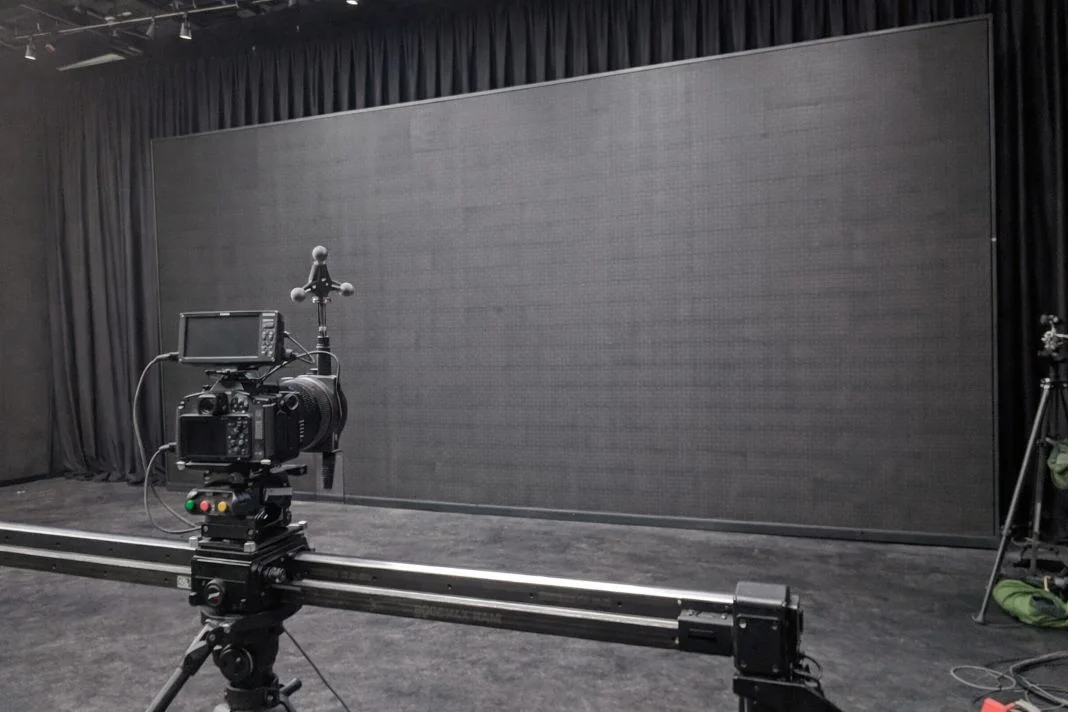
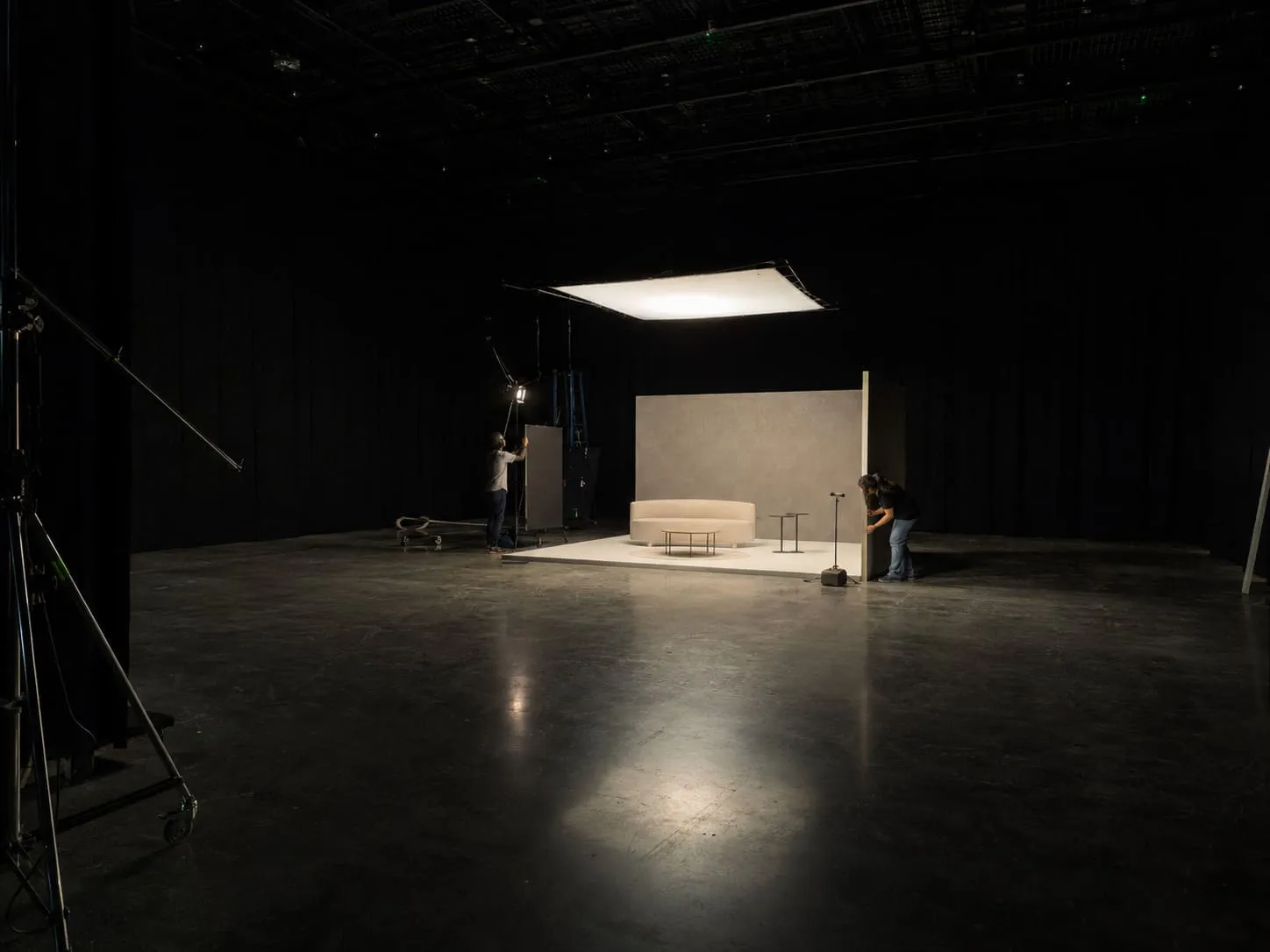
An illustrative image of a camera setup on slider in a studio with black curtains and large LED screen. Moody, dimly lit atmosphere, no visible text.
Virtual production isn’t a backdrop. It’s a production system
Picture the set: lights balanced, the virtual scene locked. Then the camera moves and the background swims. The issue isn’t the screen; it is a breakdown in coordination.
Virtual production behaves more like a production system than a location. You’re not just hiring LED panels. You’re investing in a sequence of tasks involving asset delivery, sync calibration, camera-lens testing, and stakeholder sign-off. Rather than ask how the stage looks, ask how it runs under pressure. Does the stage have repeatable shot lock procedures? Can it handle day-rate pressure without failure?
Mistake: treating virtual production as one thing
Virtual production isn’t one tool. It is a category.
Some productions benefit from ICVFX on LED volumes. Others are better served by green screen or virtual scouting. Techvis and previs help define blocking and timing, but they are not interchangeable with final pixel environments.
If your shoot requires interactive lighting and minimal post, LED volume might be ideal. If your priority is flexibility in post or tight asset turnaround, other methods might be better.
The label “virtual production” only works when it fits the brief.
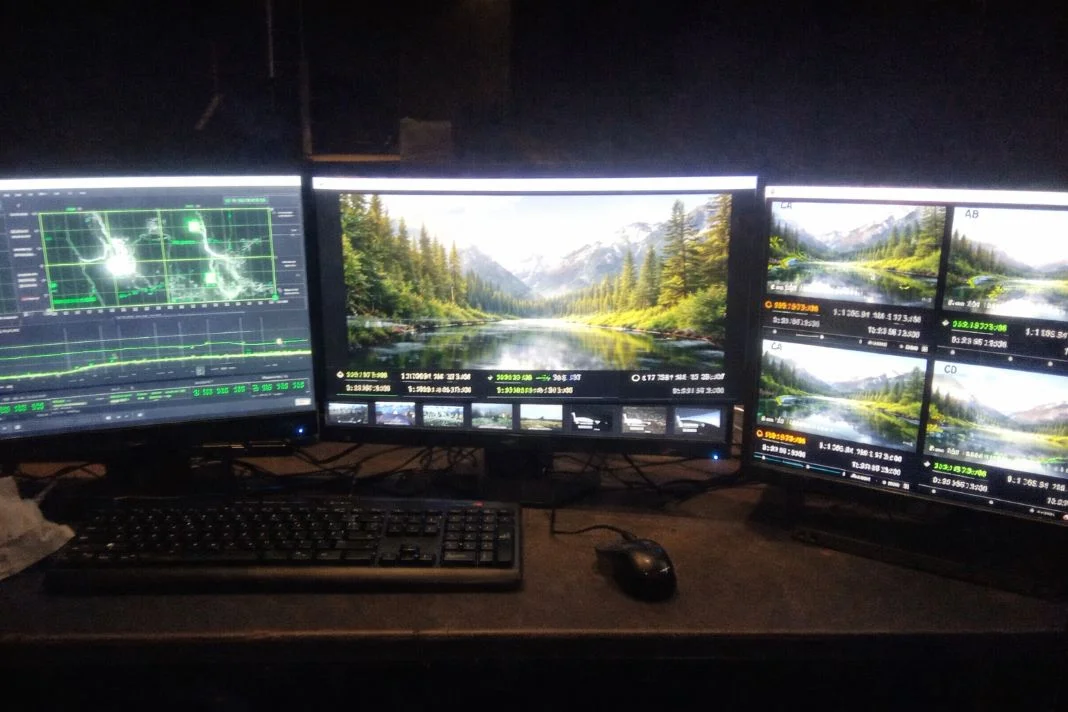
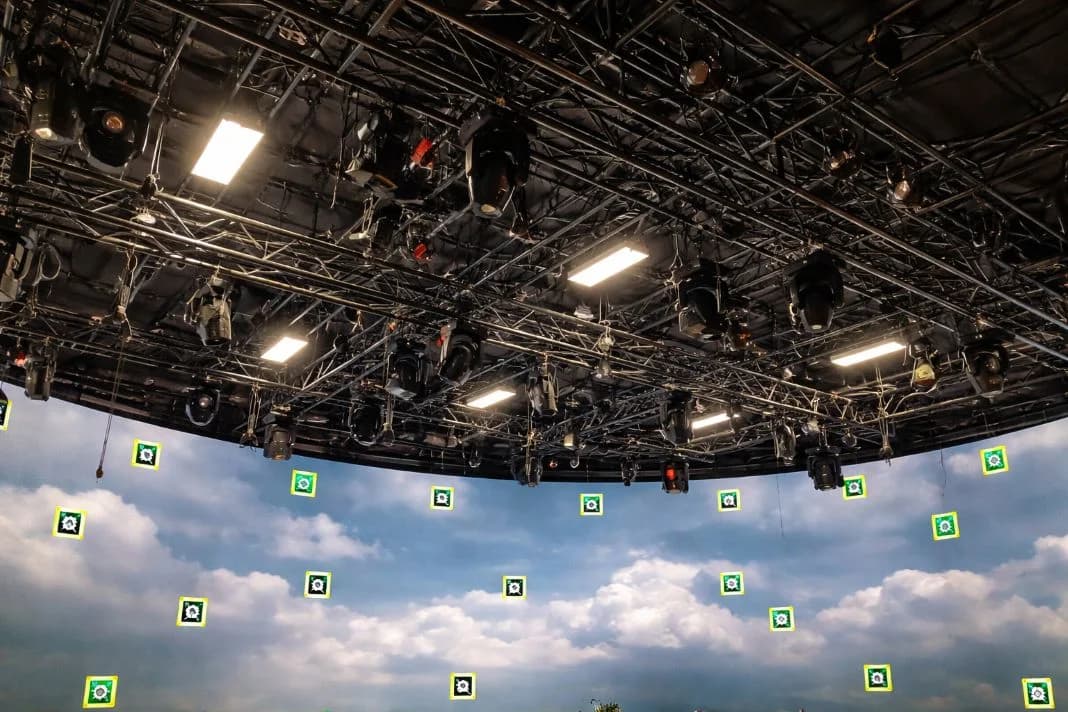
An illustrative image of three monitors display graphs and a forest scene. A keyboard and mouse are on the desk. The room is dimly lit, creating a tech-focused mood.
Mistake: choosing a stage by the wall, not the workflow
Panel specs alone don’t guarantee results.
What matters more is how the volume supports your shoot. Playback systems, version control, fault protocols, and operational clarity are the real markers of reliability.
Studios focused on uptime and redundancy offer more stability than those with vague systems and glossy marketing. Ask about latency management. Ask about sync procedures. Ask how ingest is handled. You will learn a lot from the answers.
Mistake: assuming it reduces prep (it shifts prep earlier)
Virtual production shifts decision-making into earlier weeks.
Last-minute changes often are not possible once assets are signed off and loaded. The VAD can’t rebuild a location the night before. Look dev reviews, virtual scouts, and prelight days should be built into your calendar. Do not treat these as extras. Plan ahead. Approvals can’t drift.
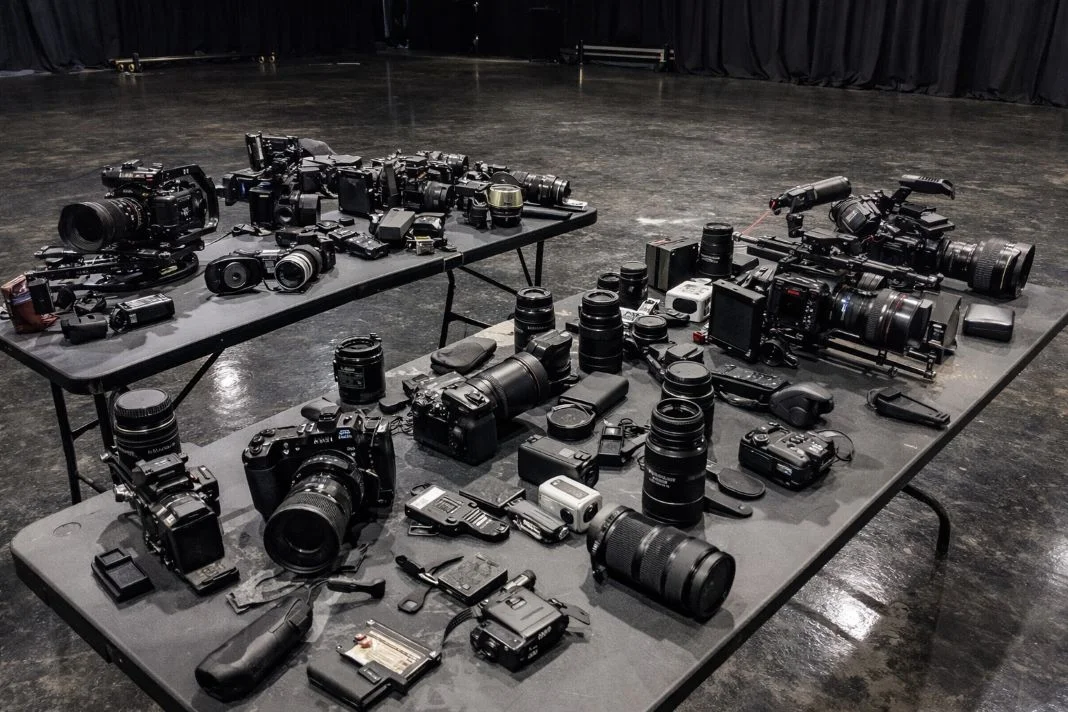
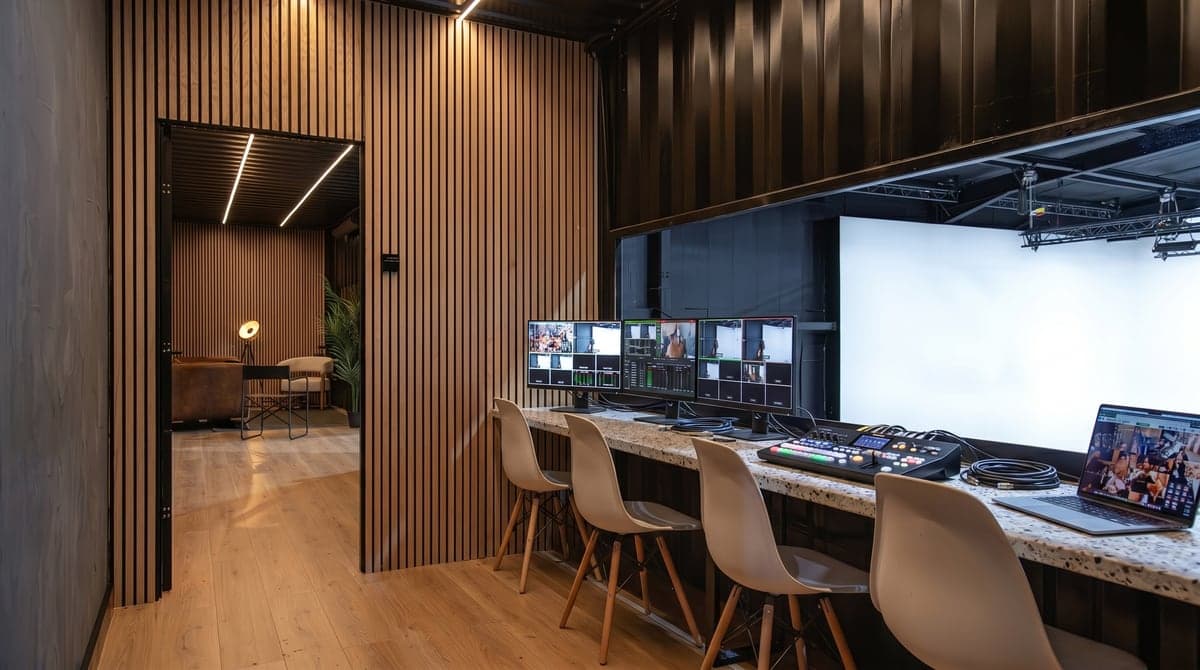
An illustrative image of tables filled with various cameras and lenses on a dark glossy floor set. The background features a curtain, creating a moody atmosphere.
Mistake: ignoring camera, lenses, and moiré until shoot day
Camera and lens setups affect everything. Wait too long, and you might hit moiré, rolling shutter problems, or find the wall’s pixel structure creeping into the frame.
This is avoidable. Run tests on shutter angles, lens distance, and focal length. Include LED volume tests in your prep. The good stages insist. The bad ones hope.
Mistake: under-owning colour management and calibration
Colour has to be managed. You cannot assume it will be right. If the colour pipeline isn’t clearly owned, you will deal with mismatches, monitor confusion, and rework. This is where OCIO alignment, LUTs, and real-time rendering need coordination. Make colour decisions through the lens of your hero camera. Not the screen at video village.
Mistake: forgetting sync, latency, and the genlock chain
Sync failures often show up late, and they cost time. Genlock, timecode, and playback delay must be addressed early. If the image tears or drifts, it is a system problem, not a visual glitch.
Find out who owns genlock. Ask how delay is tested. Confirm someone has authority to stop the day if sync is off. If no one knows, that is your answer.
Mistake: lighting the talent without protecting the wall
The LED wall is part of the shot so talent lighting must be shaped to avoid washing out the wall. Reflections from props or wardrobe can kill the illusion. Use flags, filters, negative fill, and proper placement. Build this into your prelight LED volume sessions. Lighting design doesn’t get simpler. It gets more precise.
Mistake: expecting the volume to solve practical constraints
Virtual production won’t replace physical production fundamentals. You still need sound planning, crew movement, set builds, and reset time. The LED wall won’t fix a wardrobe clash or speed up a furniture swap. Use it to avoid location moves or lock in lighting. Don’t treat it as a cure-all.#
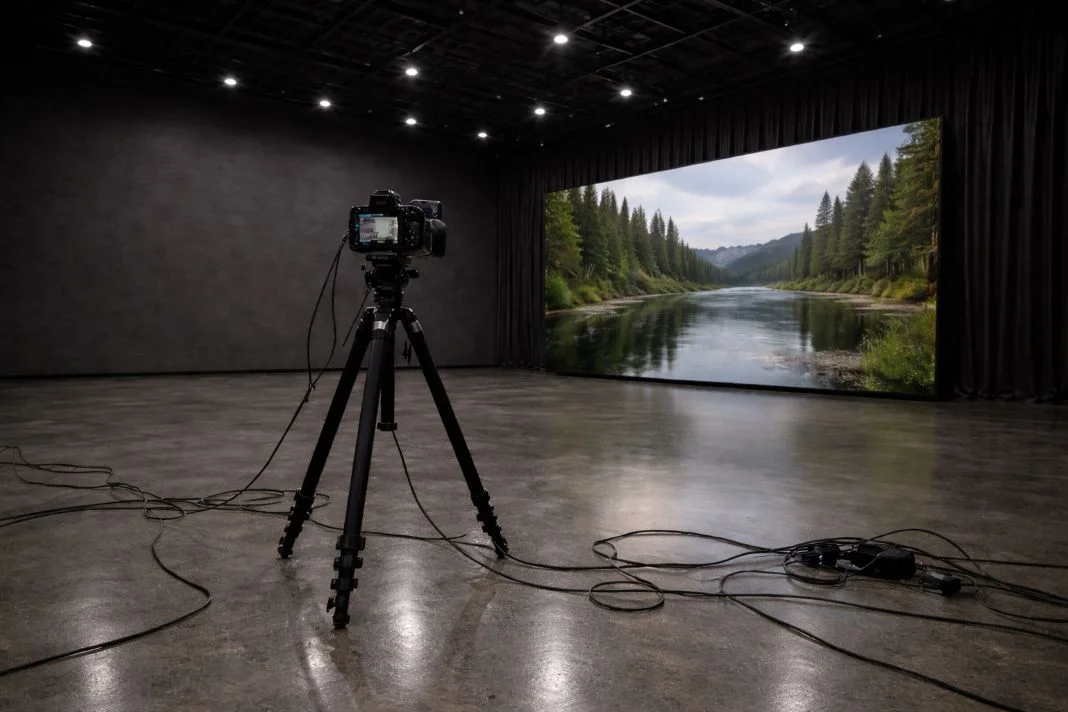
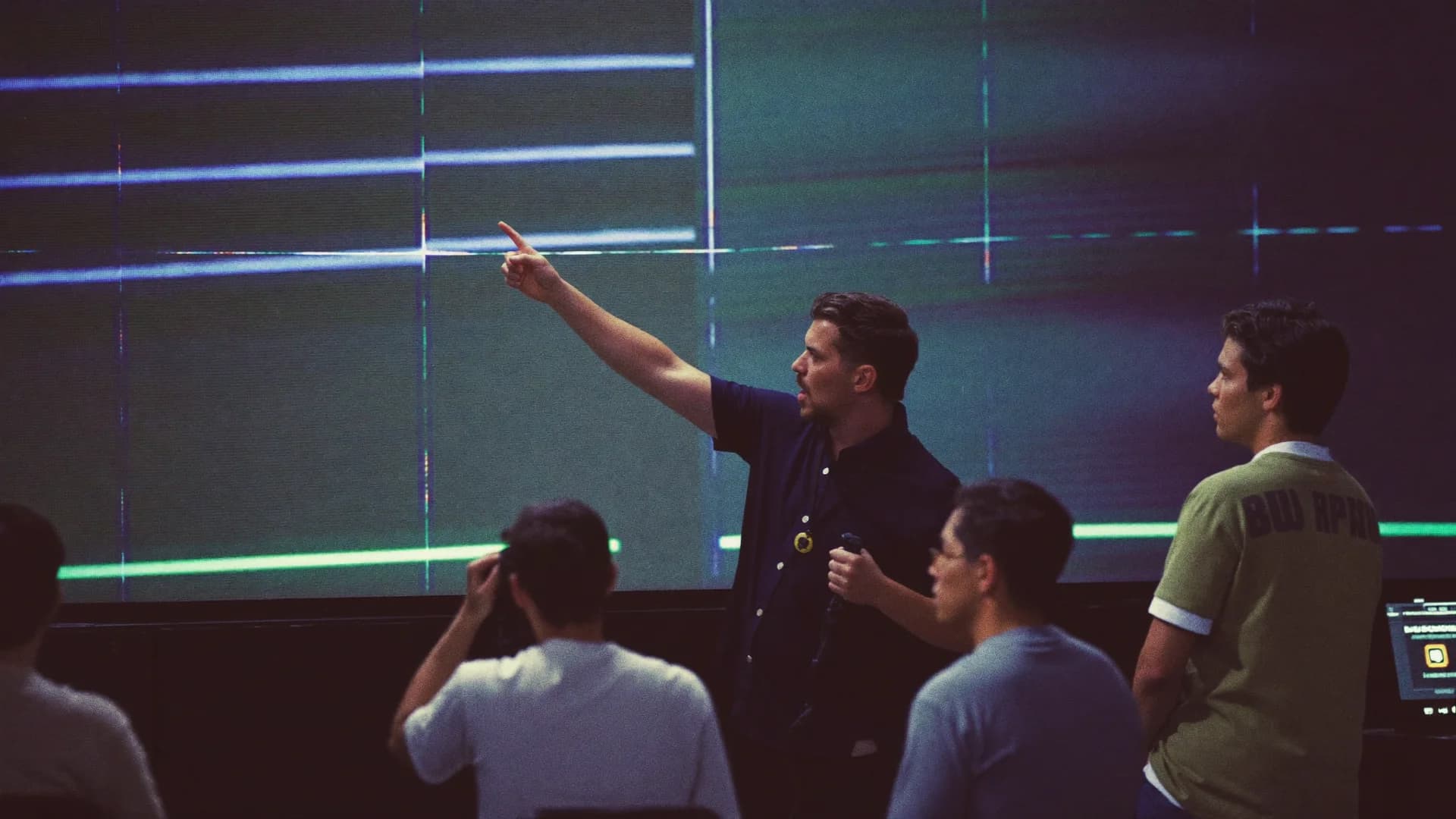
An illustrative image of camera on tripod in a studio facing large screen showing a lush river scene. Cables on the gray floor. Dim, spacious interior.
How to vet a virtual production partner
This is where you catch problems before they cost money.
Confirm:
- Genlock source and sync method across the virtual production stage.
- LED wall calibration and colour management owner.
- Delay testing process and how offsets are applied.
- Playback stability and plan for failure response.
Test:
- Lenses for moiré, focus, shutter interaction.
- Refresh rates vs camera shutters.
- Reflective risks: wardrobe, props, surfaces.
- Colour through the production camera.
People:
- DP, gaffer, designer must attend.
- Playback, systems, and VAD leads involved.
Ask:
- What failed recently, and what did you do about it?
- Who signs off technical readiness?
- Who stops the show if sync breaks?
If you don’t get clear answers, find a different partner.
A brand-side VP decision checklist (copy/paste ready)
Fit:
- Are you using in-camera effects?
- Do your setups switch time-of-day or location?
- Is visual continuity between cameras essential?
Readiness:
- Have all assets been tested in the LED volume workflow?
- Is the VAD clear on delivery deadlines?
- Are sync and colour responsibilities assigned?
On-day control:
- Are tests planned for moiré, reflections, and colour?
- Are technical leads named and briefed?
- Is fallback available for any missed sign-off?
Post:
- Which scenes are final pixel?
- What still goes through comp?
- Who manages versioning and continuity?
Walk away if:
- No test time is locked in.
- No one owns sync or calibration.
- No tech supervisor is on call sheet.
A London infrastructure note: separating stages by function
Mammoth Film Studios in London Zone 2 does this right. Studio 1 is a traditional 8,000 sq ft space for white cove and blackout work. It is ideal for photography and standard film workflows. Studio 2 is a 5,000 sq ft blackout volume purpose-built for virtual production. It uses a modular ROE 2.8mm HDR LED wall, with rigging, playback, and crew provided via Elsewhere Productions. Two studios. Two workflows. No overlap. That is how you stay in control.
Virtual production is not magic. It’s logistics.
It works because decisions get made early. You assign roles. You test gear. You control approvals. Then the wall becomes an asset, not a risk, especially on high-end campaigns. Choose virtual production like you choose a system. Not a backdrop.