What defines a good virtual production studio beyond its LED wall?
A strong virtual production (VP) studio delivers more than a sharp-looking LED wall. It holds up under pressure. When schedules shift, technology falters, or expectations spike, the studio must continue to perform. Systems, roles, and infrastructure determine whether it operates smoothly or descends into disarray, a principle at the heart of virtual production at Mammoth.
The LED Wall Is the Easy Part
Midway through a shoot, the LED wall might look perfect. Yet time is slipping away. The issue usually lies not in the pixels but in the supporting systems.
The wall forms just one part of a larger machine. Real-time workflows depend on tracking, synchronisation, colour management, and robust infrastructure. When one component fails, the entire setup suffers.
Ask yourself: Can this stage reset fully within ten minutes? If playback lags or tracking drifts, is there someone accountable for fixing it? That distinction separates demo stages from production-ready LED volumes.
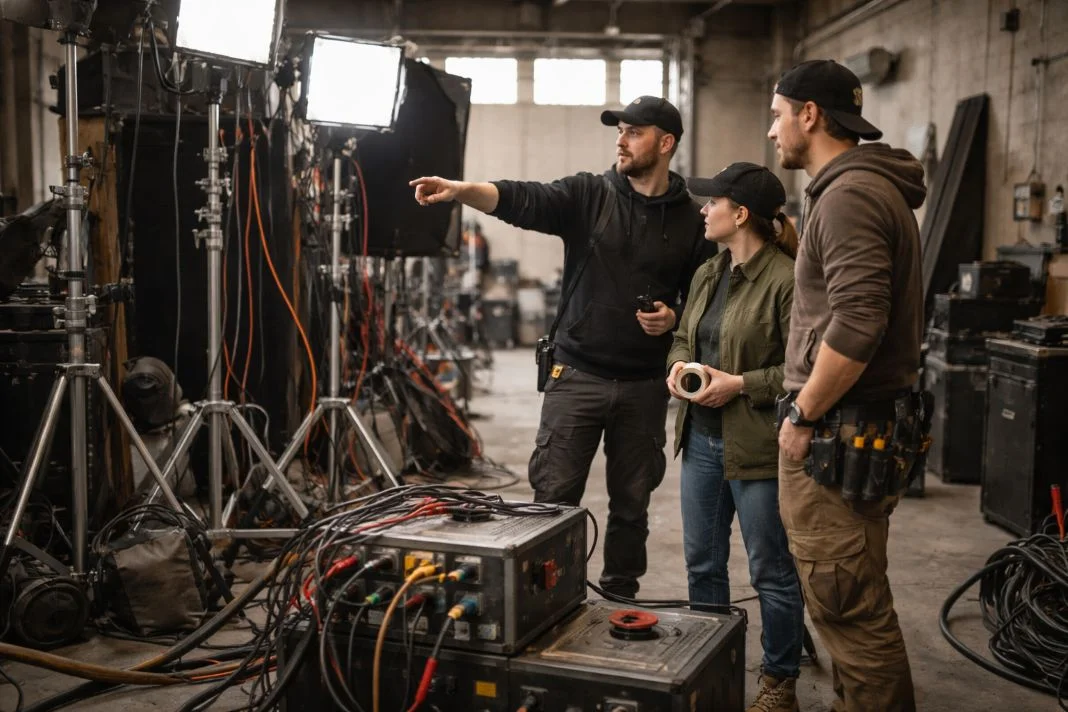
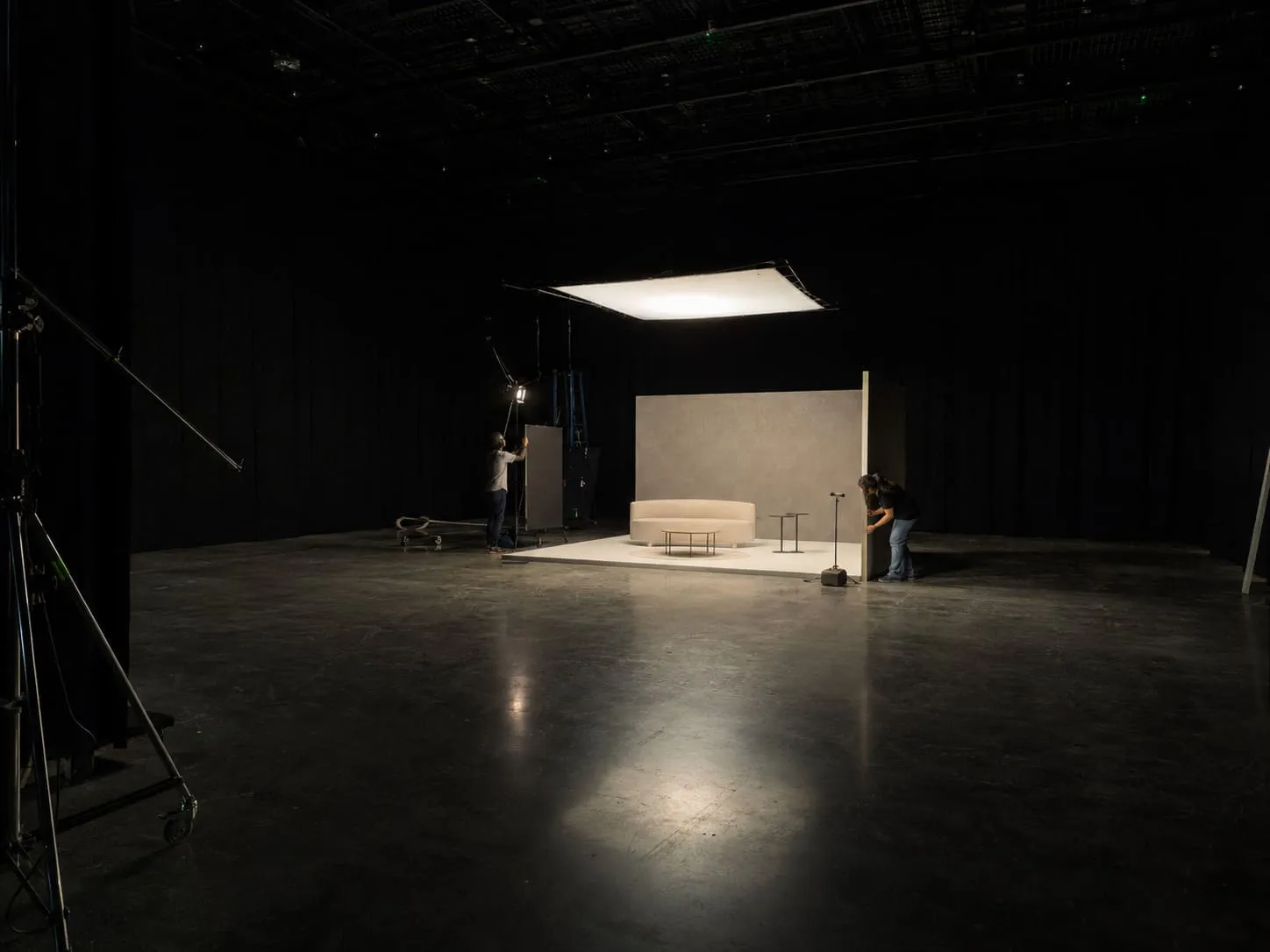
An illustrative image of three people in a film studio, surrounded by lighting equipment. One person is pointing, guiding the others. The mood is focused and collaborative.
People + Process: Brain Bar Roles, Testing, and Shoot-Day Responsibility
In a well-prepared studio, the brain bar is calm and focused. Each crew member understands their role, and decisions are not made in haste.
This team handles tracking, playback, colour, and distribution. Their process is rehearsed. Every critical point, such as who approves the look or loads the latest version has a designated owner.
The VP supervision team must establish escalation procedures, maintain version control, and plan fallback options. If these roles are unclear before the shoot, confusion is guaranteed when problems arise.
Stage-Wide Sync: Genlock, Timecode, Refresh Rates, Shutter Reality
Synchronisation problems often reveal themselves during fast pans or playback. Ghosting, tearing, and flicker all stem from poorly managed timing. Genlock and timecode link the camera, LED wall, and render engine within a single timing chain. These systems do not self-regulate. Someone must oversee them throughout the day.
The house clock must be actively monitored. Signal timing must remain consistent. Ask who is responsible for tracking sync. Ask how refresh rates and shutter angles are selected. If there is no clear answer, expect visual artefacts.

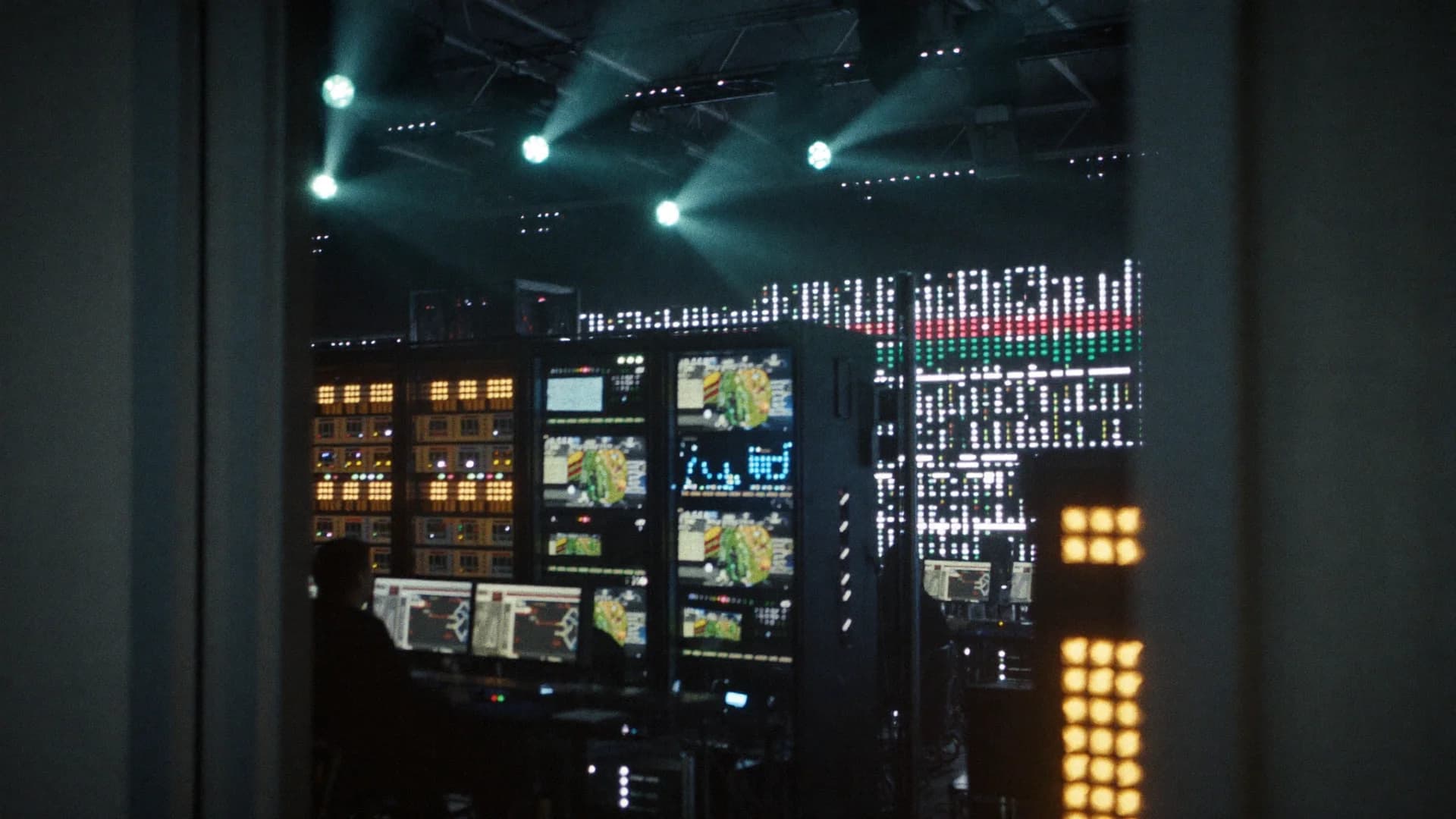
An illustrative image of a close-up of a colourful LED screen with bright dots forming a gradient of blue, red, and yellow hues, creating a vibrant digital pattern.
Colour Pipeline Discipline (ACES/OCIO, LUTs, Monitoring)
In virtual production, lighting decisions target the camera sensor, not the human eye. This demands a disciplined colour pipeline.
A consistent ACES or OCIO workflow prevents misalignment. Colour transforms must match at every stage. Monitoring tools must be calibrated and reliable. If the wall and camera interpret colour differently, the post-production process becomes much harder.
Ask how LUTs are managed. Who applies them? Where are they validated? Who signs off on the final image?
Tracking That Holds Up: Accuracy, Drift, Calibration, Boundaries
Reliable tracking is not about what works early in the day. It is about whether the system remains accurate after equipment changes, lens swaps, or long shoot hours.
Ask about the boundaries of the tracking volume. What happens when a crane moves in? How often is recalibration required? Reflective surfaces and quick moves often expose weaknesses.
Walk through the space. Compare it to your planned shots. Can the tracking system support those moves without compromise?
Playback + Frustum Control: Where Real-Time Gets Won or Lost
The illusion of virtual production depends on the frustum. If it breaks down, the shoot stalls.
Studios need structured ingest pipelines, controlled live updates, and reliable versioning. Ask how latency is monitored. Who approves the activation of new assets?
The on-set playback operator manages cueing, authorises live updates, and ensures both the hero and outer frustums remain stable under GPU load. A well-run system should feel practised, not improvised.
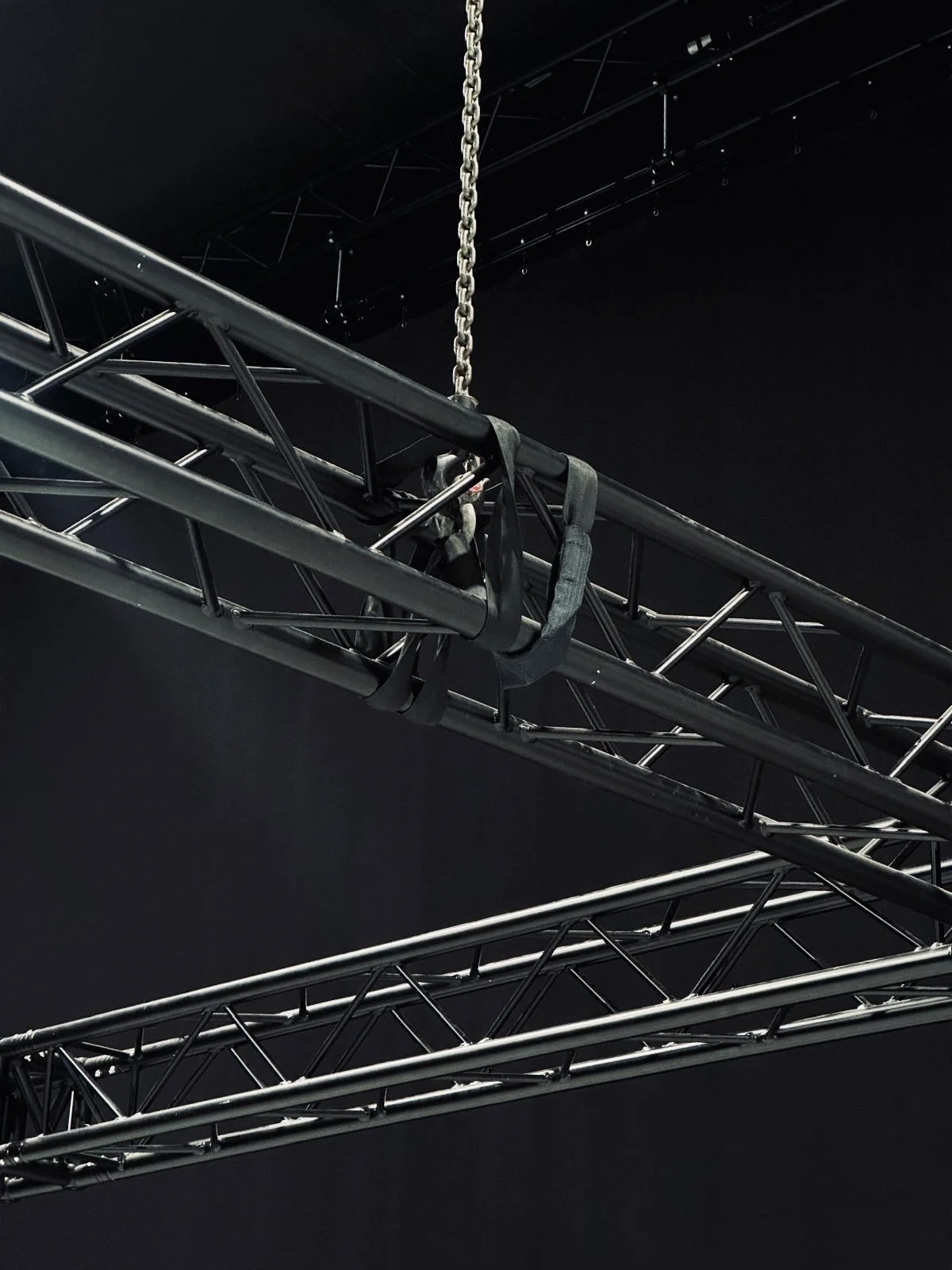
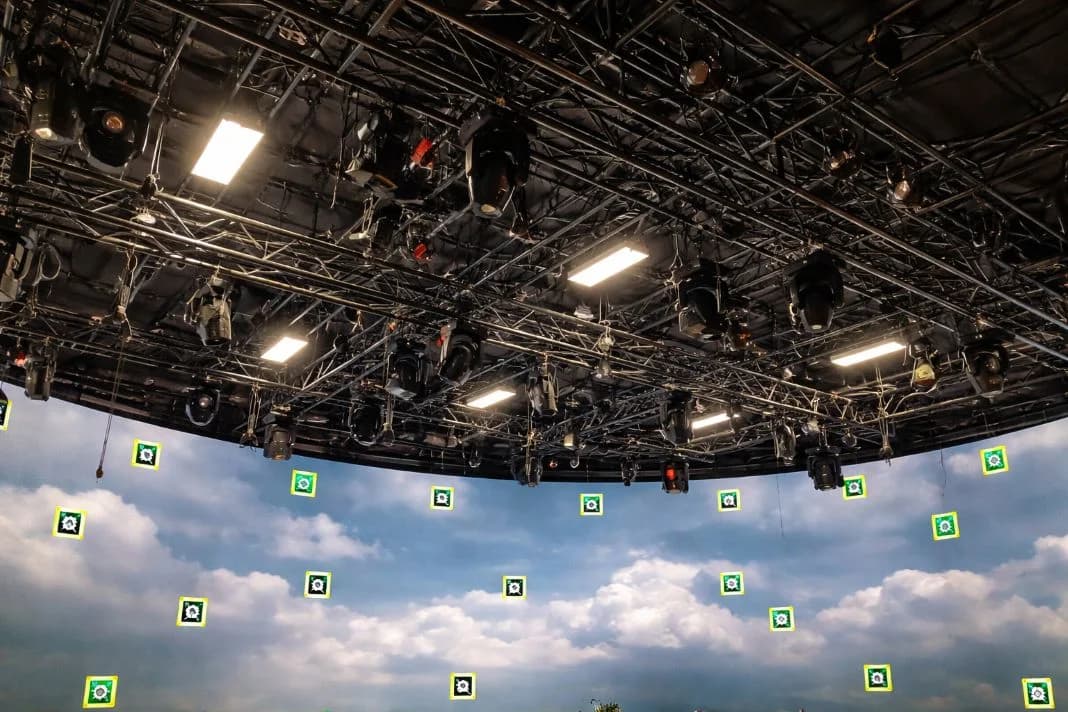
An illustrative image of metal trusses suspended by chains against a dark background. Industrial setting with crisscrossing beams and minimal lighting.
Rigging, Grid Height, Loads, and Cable Paths (The Unsexy Dealbreakers)
Rigging may lack glamour, but it underpins every creative possibility. Inadequate grid height or limited load capacity can derail your lighting plan.
Verify what the grid can support. How quickly can the hoists operate? Are cables routed safely and clearly? Weak rigging forces compromises. Strong infrastructure enables flexibility.
Studio 2 at Mammoth Film Studios addresses this directly. It features high rigging, motorised chain hoists, and step-free access.
A virtual production stage infrastructure should allow for clean cable routing, integrated lighting support, and fast scene resets without affecting playback systems.
Power, Heat, Noise: Infrastructure That Keeps the Stage Stable
The core systems behind the scenes can make or break a virtual production day. Render stacks and servers must run consistently and stay cool. Look for distributed power, thermal regulation, and isolated circuits. Quiet equipment is essential for on-set audio clarity.
Ask what happens if a system overheats. A reliable studio will have an answer that is tested, not theoretical. Studio 2 includes 4 Gbps symmetrical wired connectivity, 12G SDI routing, and a dedicated local network. This supports remote direction, playback reliability, and secure data handoffs.
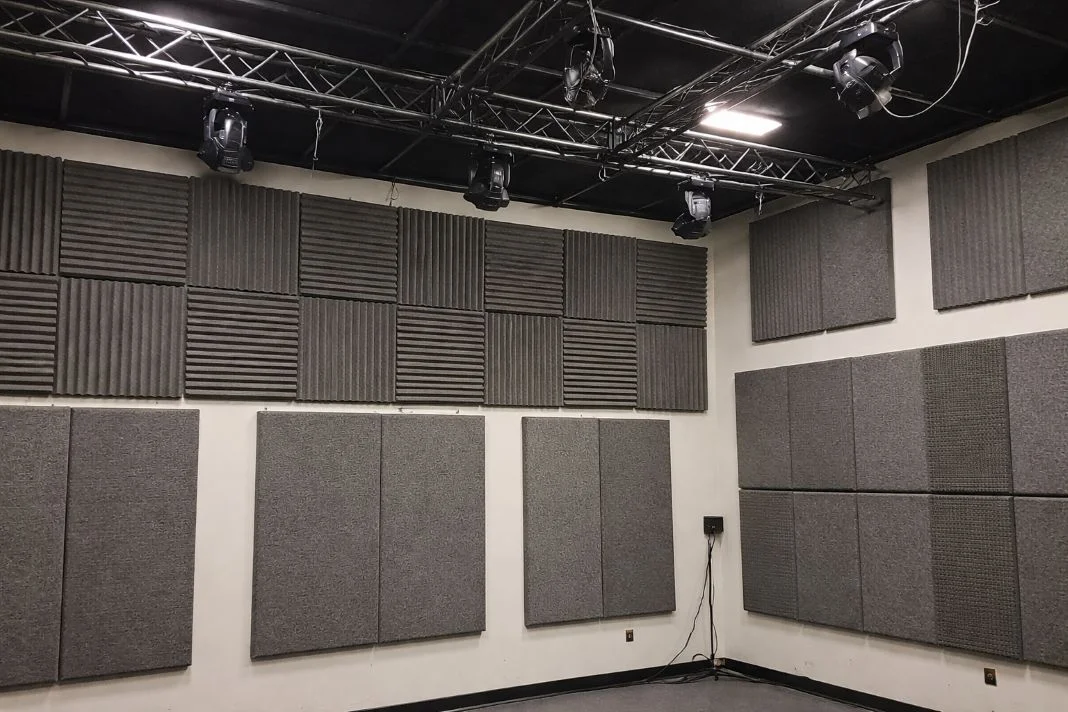
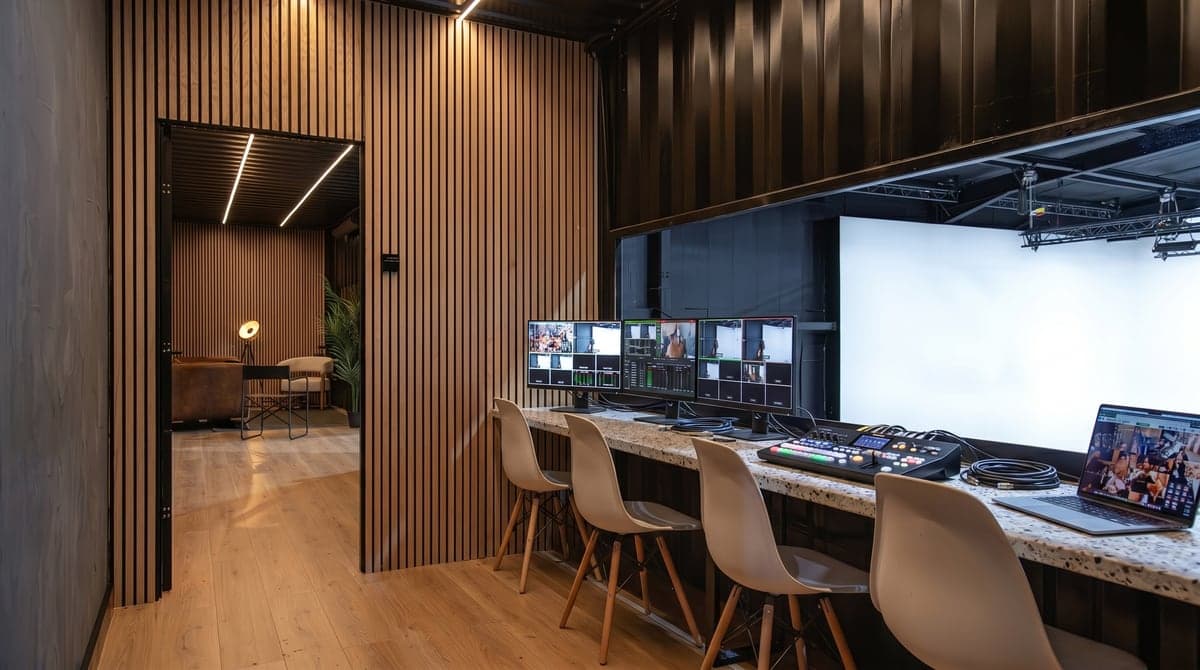
An illustrative image of a soundproof room with gray acoustic panels on walls. Ceiling has black lights and metal trusses. Neutral and calm environment.
Sound on LED Volumes: Reflections, Spill, and Practical Fixes
LED panels reflect both light and sound. If not managed, they create bounce, echo, and spill that damage audio quality. Ask whether the space has been acoustically treated. Has audio been tested with the LED wall active? Where are microphones off-limits? If lighting spill is ignored, the issue will persist into post. Effective studios coordinate audio and lighting plans from the outset.
Recce Checklist: Questions to Ask and Red Flags to Catch Early
- Sync: What is the sync source? Who actively monitors it? How is signal timing managed?
- Colour: Does the studio use ACES or OCIO? Who manages LUTs and monitoring? Are transforms consistent throughout?
- Tracking: What defines the tracking volume? Who calibrates, and how often? Are there plans to recover from drift?
- Playback: How are assets ingested and versioned? What is the change protocol? Who operates playback?
- Infrastructure: What is the rigging capacity? How is power distributed? Is the infrastructure suited for heavy VP use?
- Operations: Who owns fault resolution? Has the fix been rehearsed? Are VP supervision procedures in place?
If answers are vague, assume systems are too, so here is how to tell if a virtual production studio is fit for your shoot.
When Virtual Production Is Not the Right Tool (and That Is Fine)
Not every production benefits from a volume. That is not a failure. It is professional judgement.
Shoots requiring natural light, high-speed movement, or strong lens compression may work better on location or with greenscreen.
Mammoth Film Studios supports both routes. Studio 2 is built for LED-based virtual production with in-house technical delivery. Studio 1 supports conventional blackout or cove shooting without virtual integration. A good studio does not default to LED. It supports what the production truly needs.