What questions help assess a virtual production studio before booking?
The most important questions involve technical scope, on-set support, lighting integration, workflow compatibility and logistical setup. Focus on what the studio can deliver reliably, how it supports challenge and where its limits lie.
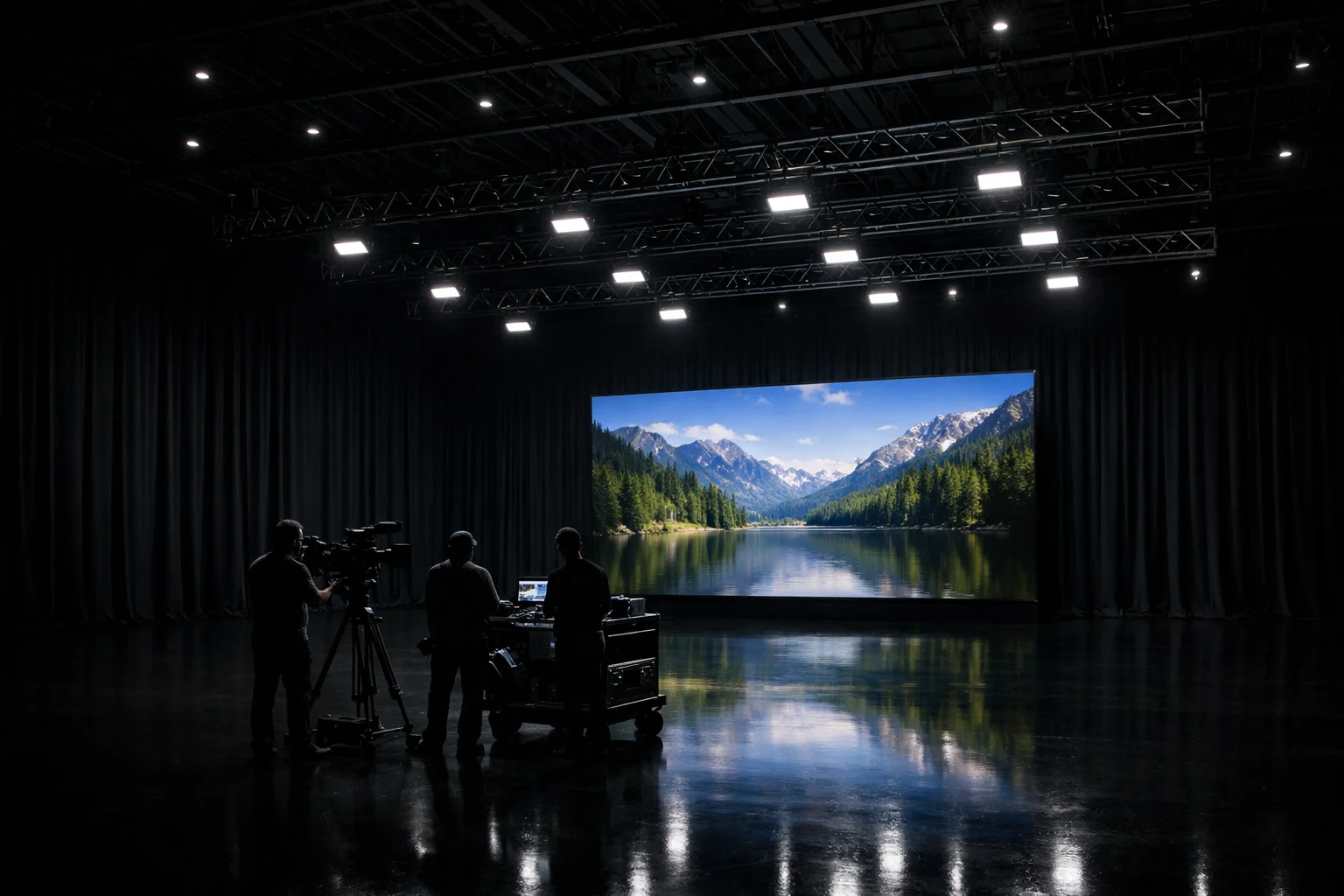
Understand the LED Volume: Specs Define the Space
The size, flexibility and resolution of the LED volume can directly influence how your shoot is planned and executed. While many stages offer an LED wall of some kind, the capabilities behind that screen vary widely.
Key points to clarify include:
- Modularity: Check whether the LED wall is fixed or made of modular panels. Modular systems can be reconfigured, which affects set design and staging.
- Pixel Pitch and HDR: Pixel pitch impacts how close the camera can move in without image degradation. HDR support affects contrast and lighting fidelity.
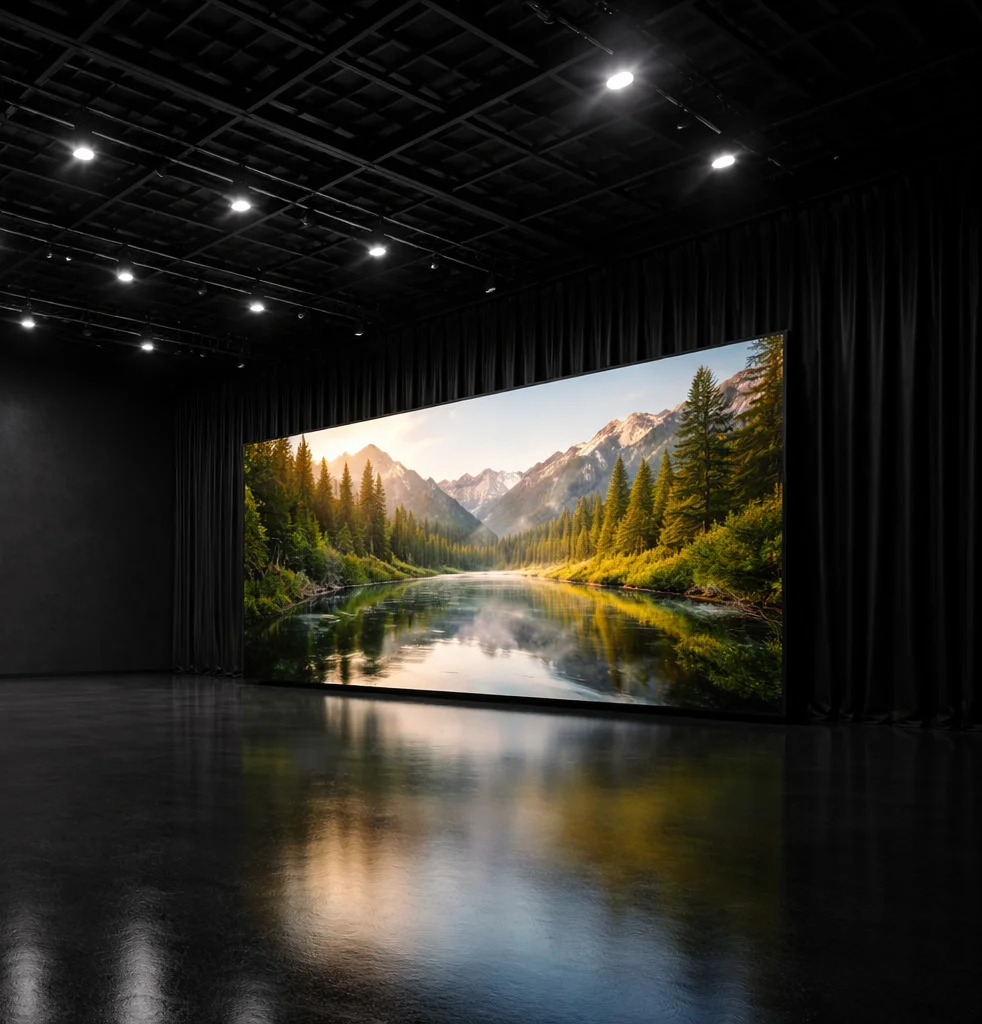
- Dimensions and Viewing Angles: Physical dimensions and viewing position constrain framing and blocking. A curved surface, such as the 8 x 4 m ROE 2.8mm HDR volume used in Studio 2 at Mammoth Film Studios, our modular LED wall studio, offers a specific field of view that must match lensing choices.
- Expansion Capacity: Ask what the limits are if your creative demands a wider or higher volume setup.
- “360°” Misunderstandings: Full 360-degree LED volumes are rare and not always necessary. Clarify what the studio really means when using this language.
Knowledge Tip: these constraints will allow camera movement, framing and lighting to serve the story, rather than fight the volume.
Camera Tracking and Rendering: What Happens When the Camera Moves?
Virtual environments are active. If the camera moves, the digital world must move with it. This synchronisation depends on accurate tracking and low-latency rendering.
Ask these key questions:
- Which tracking system is used? Optical systems like Mo-Sys or OptiTrack offer high precision. Inertial options introduce drift unless recalibrated frequently.
- Which engine renders the environment? Most stages use Unreal Engine, but implementation varies. Be clear on how it is integrated with playback, tracking and content ingest.
- Is tracking fully calibrated to your camera and lens setup? Misalignment here produces parallax errors or visible separation between physical and virtual objects.
- Who supervises tracking and rendering on site? Technical reliability improves significantly when supervision is built into the studio offer. At Mammoth Film Studios, this is handled in partnership with Elsewhere Productions.
- How is latency measured and managed? Even minor lag between camera movement and image update can render shots unusable in high-motion sequences.
Keep in mind that camera sync is not a secondary concern. It supports the believability of every tracked shot.
On-Set Expertise: Who's Actually Running the System?
Virtual production requires more than displaying content on an LED wall. The expertise behind the system is what keeps the day moving.
Understand which roles are included and what they cover:
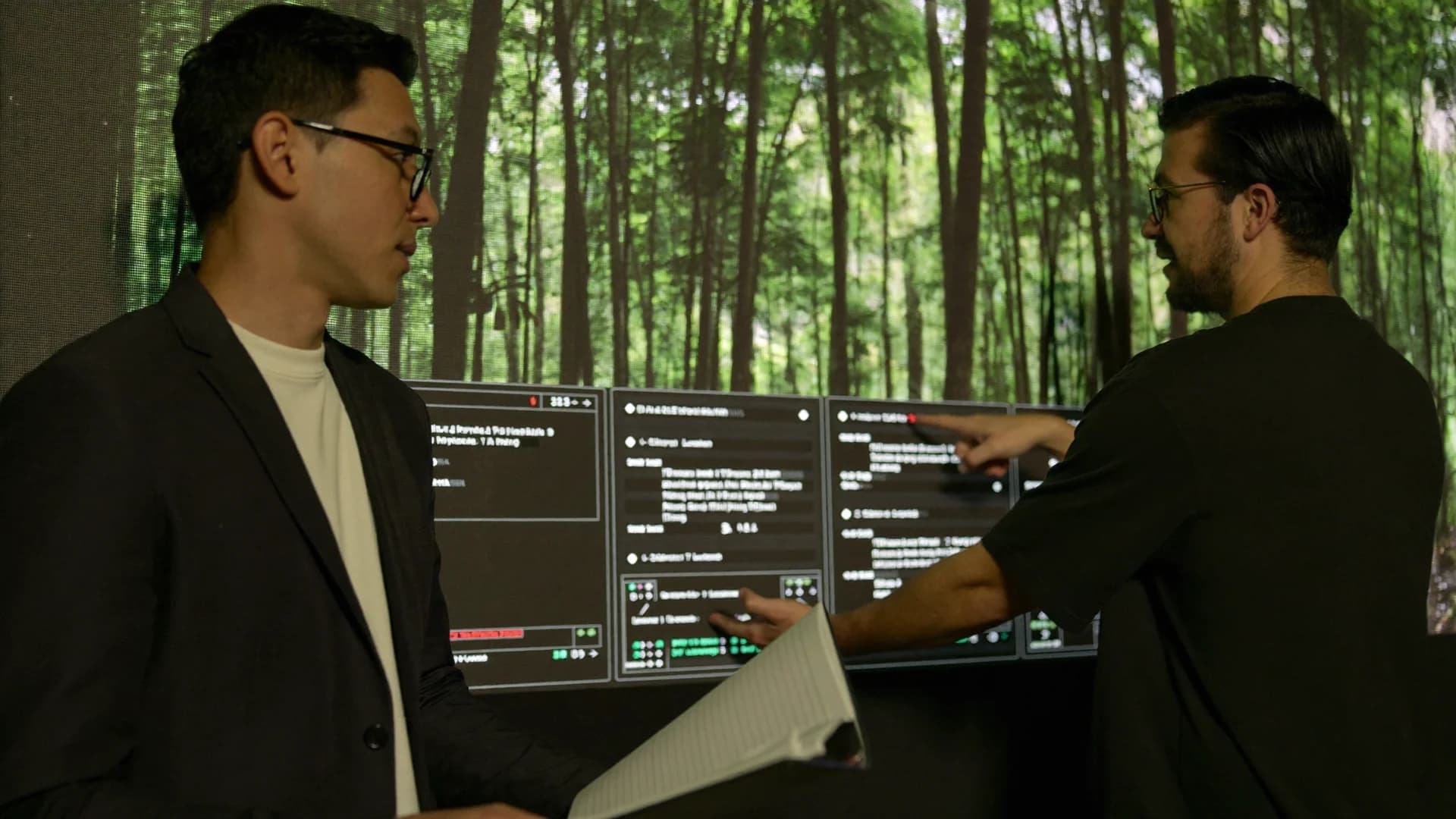
- VP Supervisor: Oversees the integration of tracking, rendering, playback and lighting. Often your key technical liaison.
- LED Technician: Manages the wall’s calibration, pixel health and brightness balance across the shoot.
- Playback Operator: Handles incoming content cues, real-time environment changes and scene transitions.
- Content Wrangler: May support asset ingest, colour verification and sync checks.
- On-set Support Crew: In-house vs. freelance matters. Studios that embed technical crew, as at Mammoth, usually provide faster problem resolution and tighter system knowledge.
Ask whether all important support is on-site throughout your booking, or merely available when called.
Lighting Integration: Virtual Without the Visual Breaks
Lighting is often where virtual and physical worlds fall apart. Inconsistent shadows, colour spill or flat source blending can break immersive environments.
Key considerations include:
- Interactive Lighting: LED walls emit light that should interact with talent and props. Poor positioning or colour temperature mismatch can lead to artificial results.
- Spill Management: Especially in smaller volumes, LED bleed can ruin foreground contrast. Spill control materials and rig positioning must be planned.
- DP and Gaffer Coordination: Lighting teams need to lead decisions on blending practical units with LED emission. The workflow must include photometric testing and scene-level previs.
- Previsualisation: Ideally, lighting plans are testable in preloaded environments. Look for setups that allow remote prelight or on-set previews.
- Adjustment Protocols: Ask how adaptable the lighting setup is during the shoot. Delays often occur when basic adjustments can't be made quickly due to access restrictions or system fragility.
Studios with integrated lighting partners, such as Cinelight London at Mammoth, tend to streamline this process with known rigs and fixtures that respond reliably in mixed light environments.
Physical and Technical Limits: What the Studio Cannot Do
Every studio has boundaries. Knowing them early helps set creative expectations and avoid downtime.
Check these limitation areas:
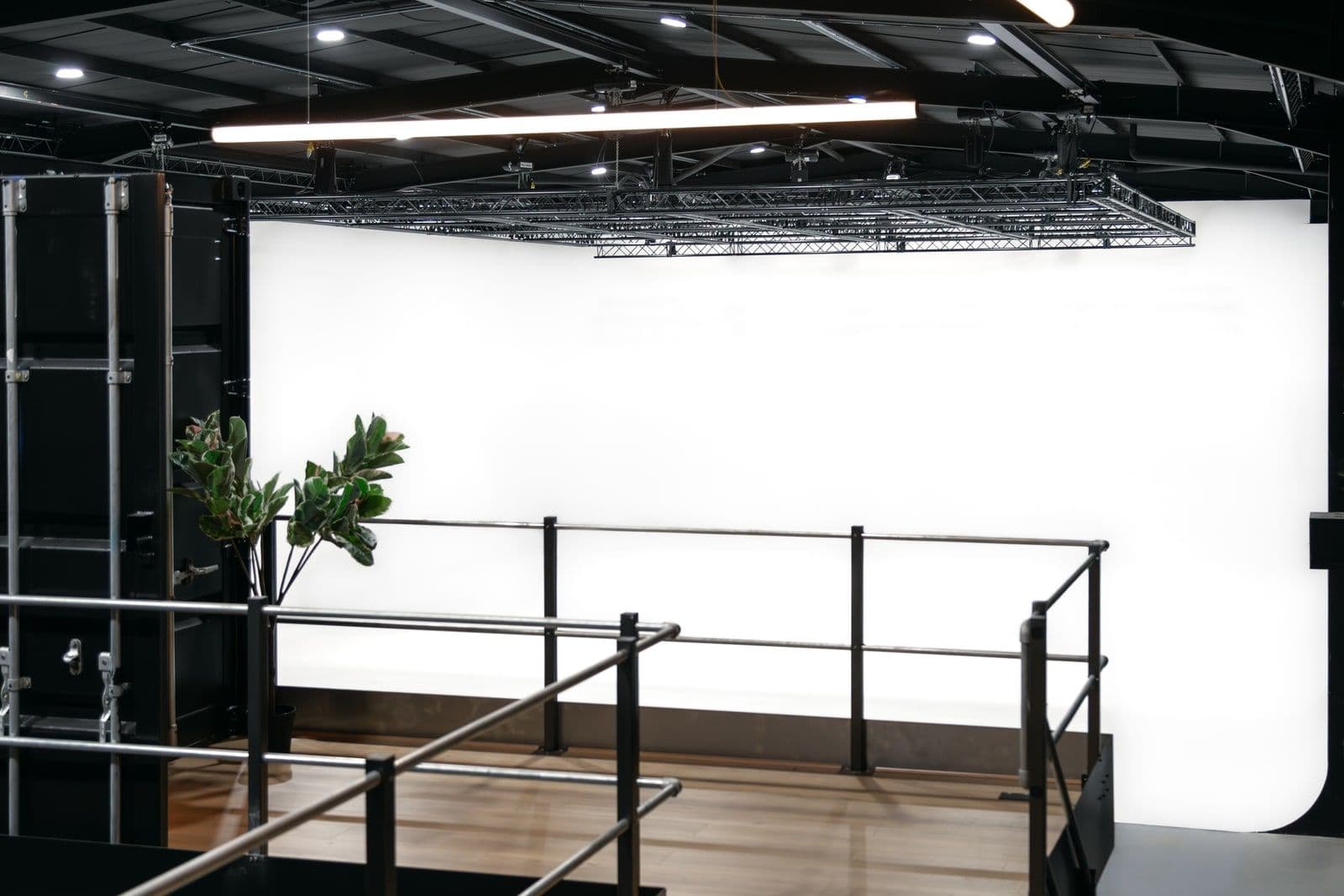
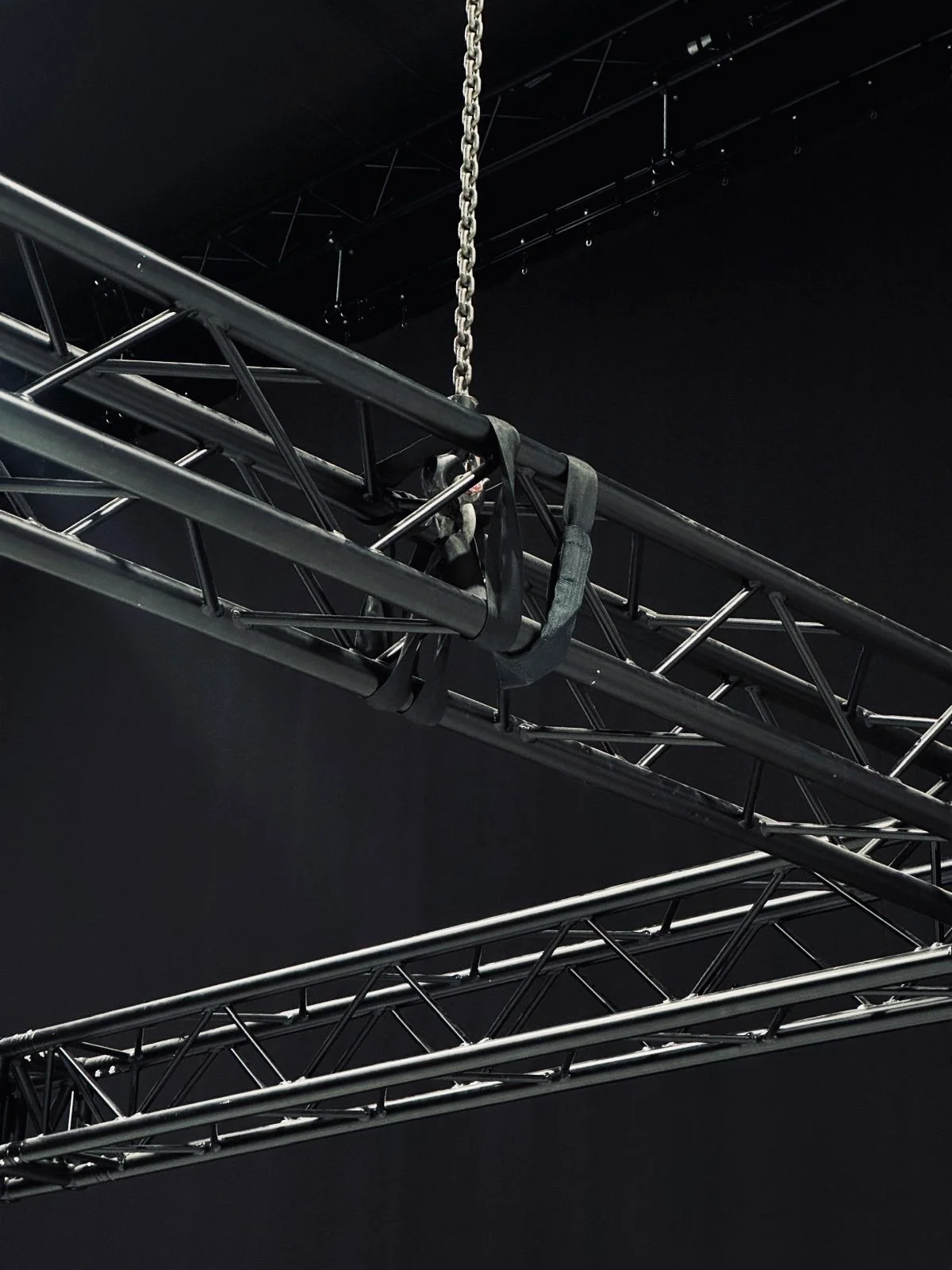
- Grid Height and Load: Studio 2 at Mammoth, for example, offers a 24 ft rigging height with 1-tonne beam loads. If your scene requires elevated lighting, heavy set pieces or suspended rigs, verify clearance and capacity.
- LED Brightness and Contrast: LED panels have finite output. Sunlit scenes or reflective props may outpace what the wall can simulate believably.
- Camera Limitations: Extremely wide lenses or aggressive tracking shots may fall outside volume boundaries or create tracking issues.
- Ambient Factors: LED volumes generate heat. Sound stages may require additional cooling. Noise from rack systems or ventilation can affect audio capture.
- Capability and Equipment Draw: Assess whether available three-phase access supports your load-in. Overdrawing circuits mid-shoot is an avoidable delay.
Studios that proactively outline these restrictions usually offer smoother project planning and less unexpected compromise.
Content Playback and Delivery: Where the Pipeline Breaks (or Doesn’t)
Virtual production success relies on getting the right content loaded, synced and displayed in time. The pipeline between asset creation and LED playback must function without friction.
Understand the delivery flow with these checkpoints:
- Content Format Requirements: Confirm resolution, file format and codec standards. Studios may require specific image sequences or real-time compatibility with Unreal Engine.
- Pre-rendered vs. Real-time Assets: Real-time content allows camera parallax. Pre-rendered loops may work for locked-off shots. The distinction will impact asset preparation timelines.
- Content Ingest Process: Identify when and how content is tested ahead of the shoot. Playback operators should screen samples in advance.
- Colour and Sync Testing: Any mismatch between prevised colour and LED output should be corrected in prelight, not the edit.
- System Redundancy: Ask what happens if playback fails. Some studios offer mirrored systems or instant asset reload protocols.
Proper coordination between post teams and studio systems, starting early in preproduction, remains one of the most overlooked success factors in virtual production.
Logistics and Access: Can the Studio Support the Day?
Technical readiness means little if the crew cannot park, clients cannot access Wi-Fi or the lunch run adds an hour each way. Operational setup is not glamorous, but it shapes the shooting day.
Look for these logistical strengths:
- Drive-In Access: Both studios at Mammoth support direct vehicle entry, including up to 18-tonne box trucks for gear and set builds.
- Parking Availability: Studio 2 includes 10 on-site spaces, reducing off-site load times and external coordination.
- Transport Links: Proximity to London Overground and Jubilee line stations supports fast crew travel. Especially relevant on multi-day or hybrid shoots with rotating teams.
- Step-Free and Internal Layout: Smooth load-in matters when moving LED panels, rigs or sensitive props.
- Working Areas: Client rooms, production offices and HMU bays should be integrated rather than improvised. Studio 2 offers eight HMU stations and dedicated production zones.
Film studios built for professional use tend to reduce logistical friction by design. This makes a difference to the first call time, but across the entire shoot schedule.
Final Thought: Clarity Beats Assumption
Virtual production opens new possibilities, but only when built on system stability and realistic expectations. The best questions go beyond equipment lists, and the virtual production specs that actually affect shoot quality, to reveal how a studio functions under pressure. Know the limits, understand the workflow and confirm the support. The rest is execution.