What is the right virtual production setup for your project?
The right virtual production setup meets the shot’s actual requirements. It delivers what the project calls for in terms of image, lighting, and workflow, without unnecessary complexity. This guide breaks down twelve practical decisions to help avoid misalignment and keep production focused.
Start With the Shot: What Your Project Actually Needs From VP
The setup should serve the shot. If you need reflective realism inside a car, plates on a playback wall might do the job. Shooting a dialogue scene where the background shifts subtly with camera movement calls for parallax and camera tracking. Wide moves or reflective floors might require a hybrid of live LED content and physical set pieces.
During VP pre-production, confirm:
- Are reflections or parallax driving the shot?
- How much of the lighting comes from the wall?
- Are you shooting stills, motion, or both?
- What does the talent need to physically interact with?
- What makes the day run smoothly in terms of approvals, repeatability, or reset speed?
Use your shot list. Camera distance, depth cues, lensing, and turnaround time all help define the minimum viable setup.
Choose the Core Approach: LED Volume, Green Screen, or Plates Playback
You are either capturing backgrounds in-camera or planning for post. Use LED volume when interactive light and parallax matter. Choose green screen if the background is unstable or needs heavy post. Plates playback suits locked reflections like vehicle scenes, product setups, or process work.
Hybrid approaches work too. Run playback now and add tracked content later. The key is being clear early. VP workflow planning should reflect how final pixels will be achieved.
Right-Size the LED Volume (and Decide If Modular Is Enough)
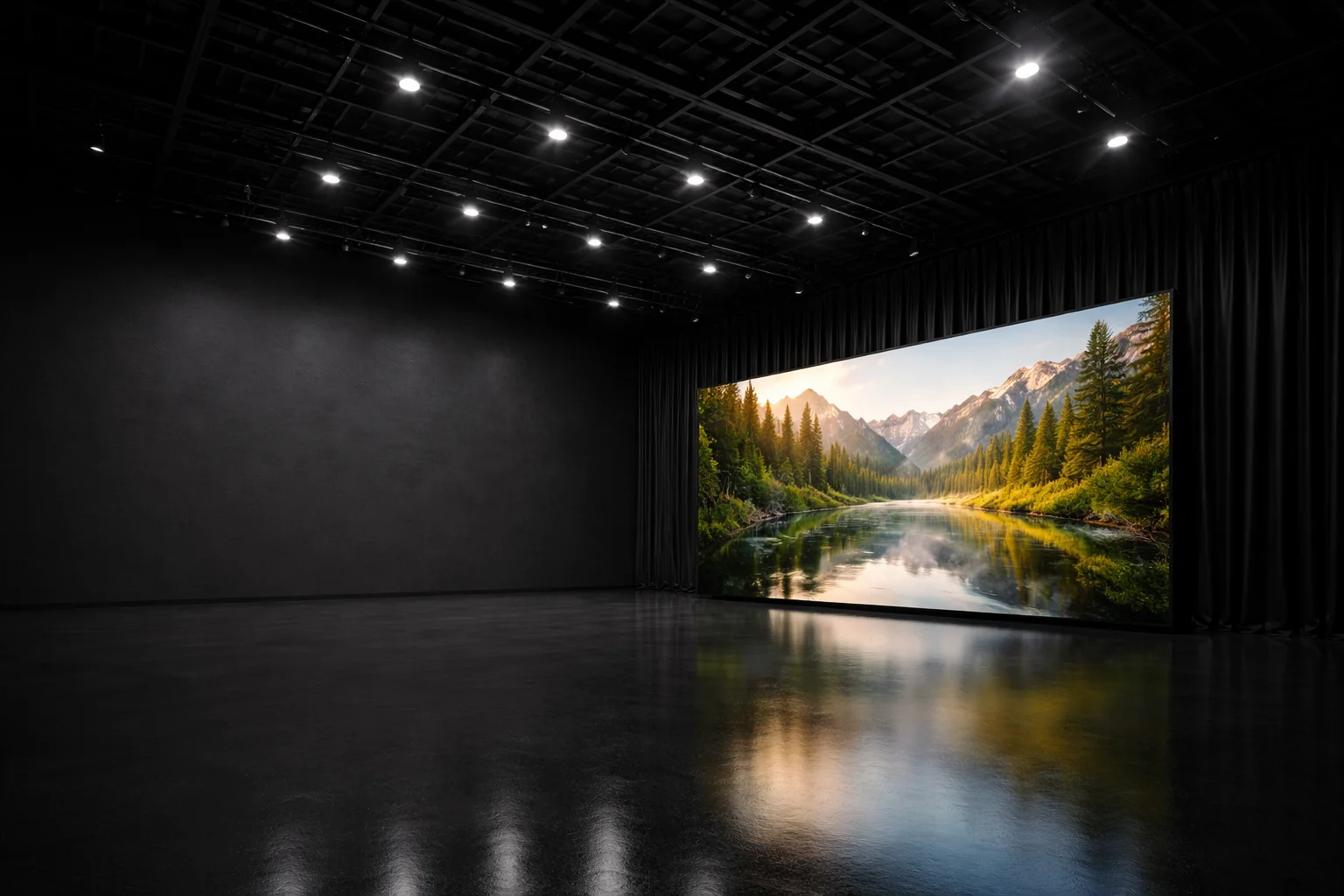
LED volume size is about working distance, not spectacle. Close-up dialogue might only need a modular LED volume. Crane moves or wide masters demand more wrap, possibly with ceilings. Blocking, set footprint, and camera freedom all factor in.
If you are shooting somewhere like Mammoth Film Studios, Studio 2, supported by our VP workflow with Elsewhere, offers an expandable 8 × 4 m LED wall. Commercials often use this kind of scalable volume. Think practically: how much space do you really need?
LED Specs That Matter On Camera: Pixel Pitch, Refresh, Scan, Brightness
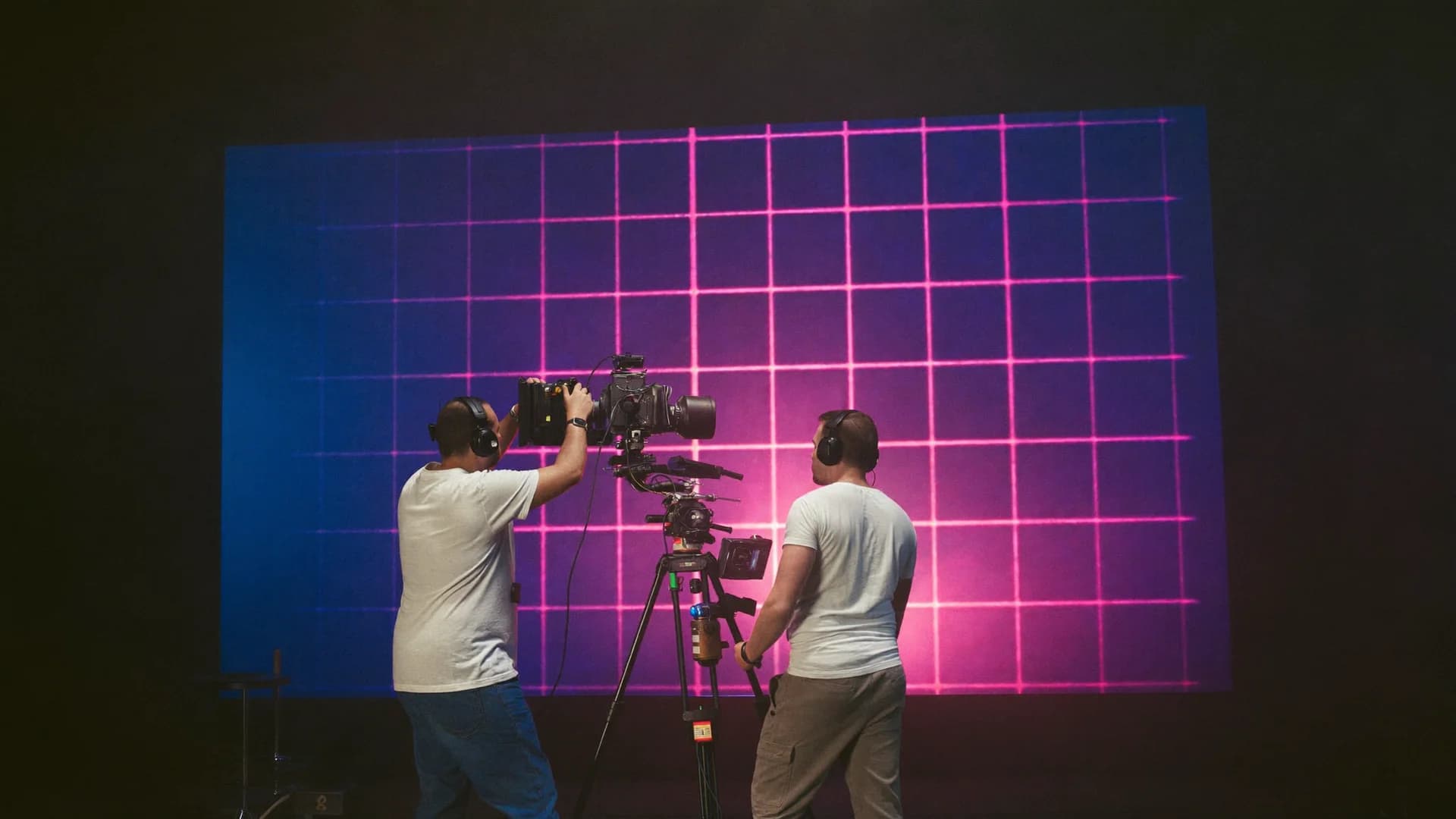
The sensor decides, not your eye. Smaller pixel pitch reduces moiré. Low refresh or scan rates can cause flicker or banding. Excess brightness leads to spill or exposure compromises.
Always test with your actual camera, lens, and shutter settings. Include pixel pitch, LED wall refresh rate, and scan speed in those tests. Specs only matter if they hold up on set.
Camera Tracking: Pick the System That Matches Your Camera Moves
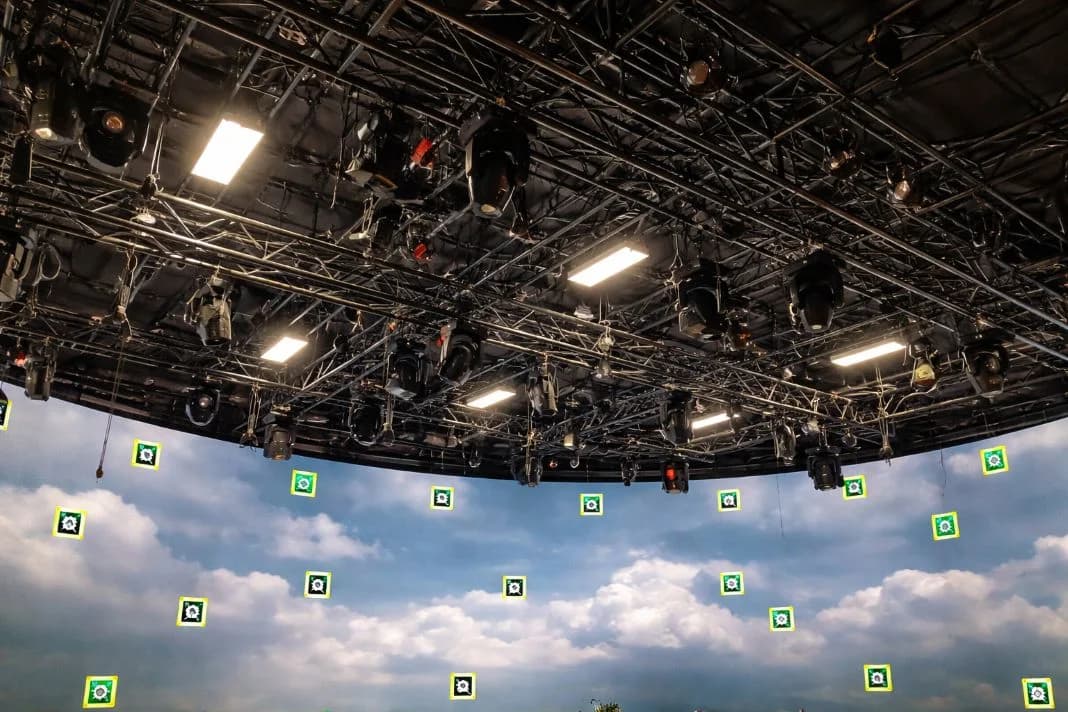
Match the tracking system to your camera language. Handheld or crane shots require optical tracking. Locked-off or repeated moves may suit mechanical tracking. Marker-based systems offer stability but take longer to prep. Markerless systems get you moving faster but can drift.
Tracking calibration tests should happen regularly. Confirm lens metadata support and know who manages resets.
Sync & Timing: Genlock, Frame Rates, and Avoiding Flicker
Flicker is often a timing failure in disguise.
Checklist:
- Match frame rates between wall and camera.
- Enable genlock across devices.
- Confirm shutter angle compatibility.
- Record test footage.
- Re-check each camera setup.
Share any changes to camera settings with the VP team. Genlock is not one-and-done. Keep it monitored.
Colour Pipeline: Keeping Engine, Wall, Camera, and Monitors Honest
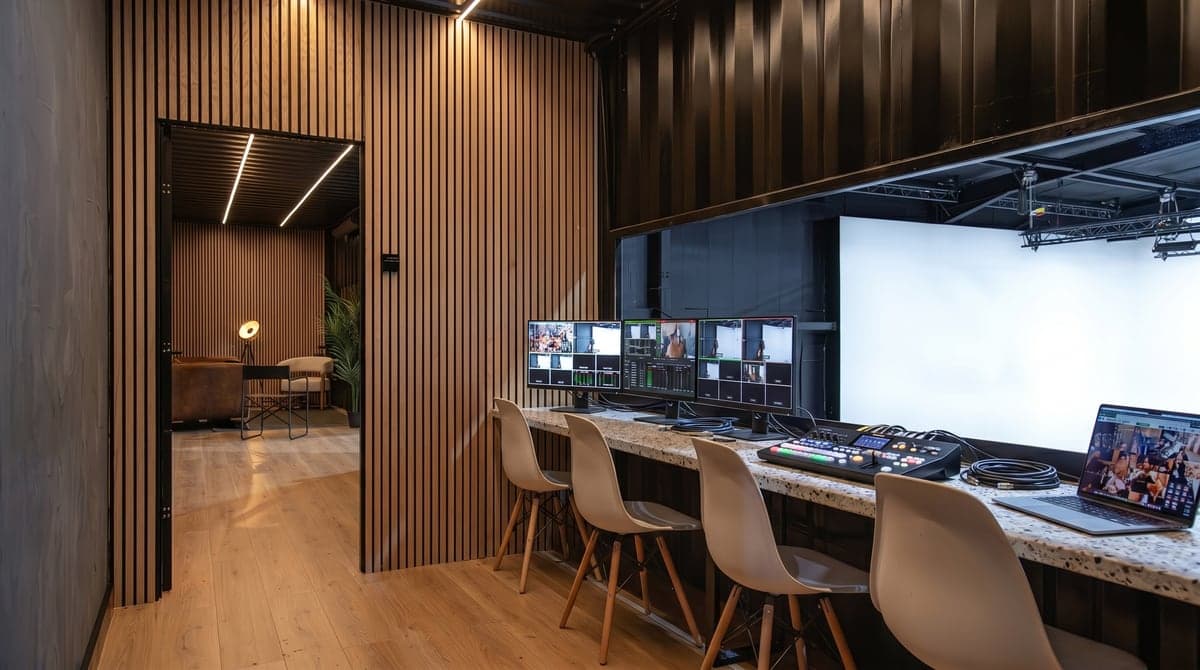
If five people see five different looks, it is usually a pipeline issue. Align colour space from engine to monitor. Avoid double LUTs. Use calibrated monitors. Lock in HDR or SDR early and test using the actual setup.
Assign sign-off responsibility so decisions are not vague. Colour drift creates delays. A defined pipeline prevents it.
Playback vs Real-Time Rendering: What Changes in Crew, Risk, and Prep
Playback is fixed. Real-time is flexible. Plates playback is reliable. What you see is what you get. It suits repeatable scenes with low change tolerance.
Real-time rendering supports parallax and scene changes but demands asset readiness and crew who can adjust live. Fallback options are smart. Many teams build in the option to switch from real-time to plates. Your VP method should match your approval flow and pace.
Lighting & Reflections: Making Interactive Light Work Without Fighting the Wall
The wall is both a light source and a reflection surface. Control spill with distance, flags, and negative fill. Use the wall as ambient or fill, not your key. Glossy surfaces need testing. Highlights or soft reflections may need adjustments.
Set lighting should follow the look of the background. Continuity comes from shaping light, not chasing realism.
Rigging, Power, and Physical Logistics: The Unseen Factors That Decide the Day
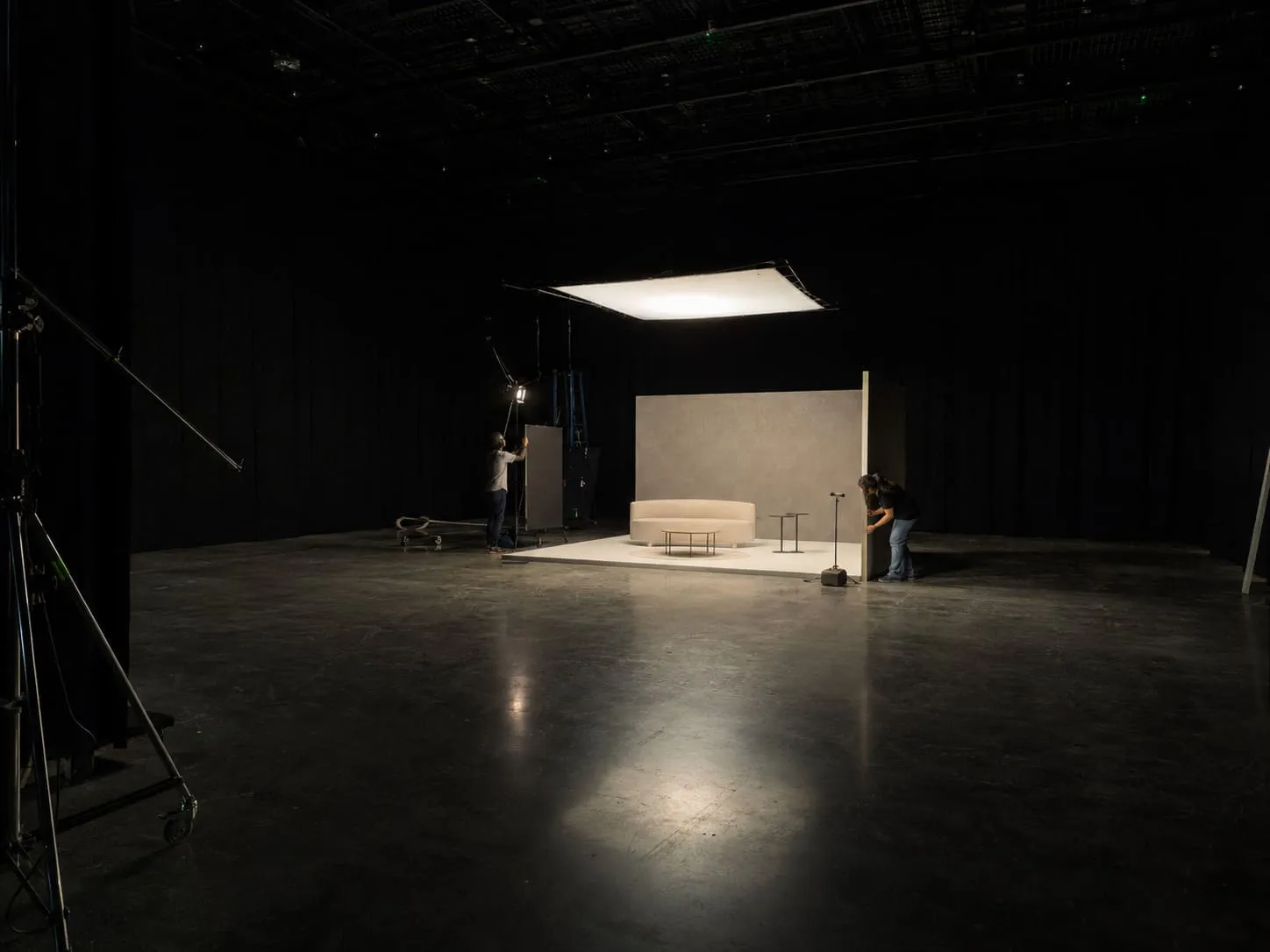
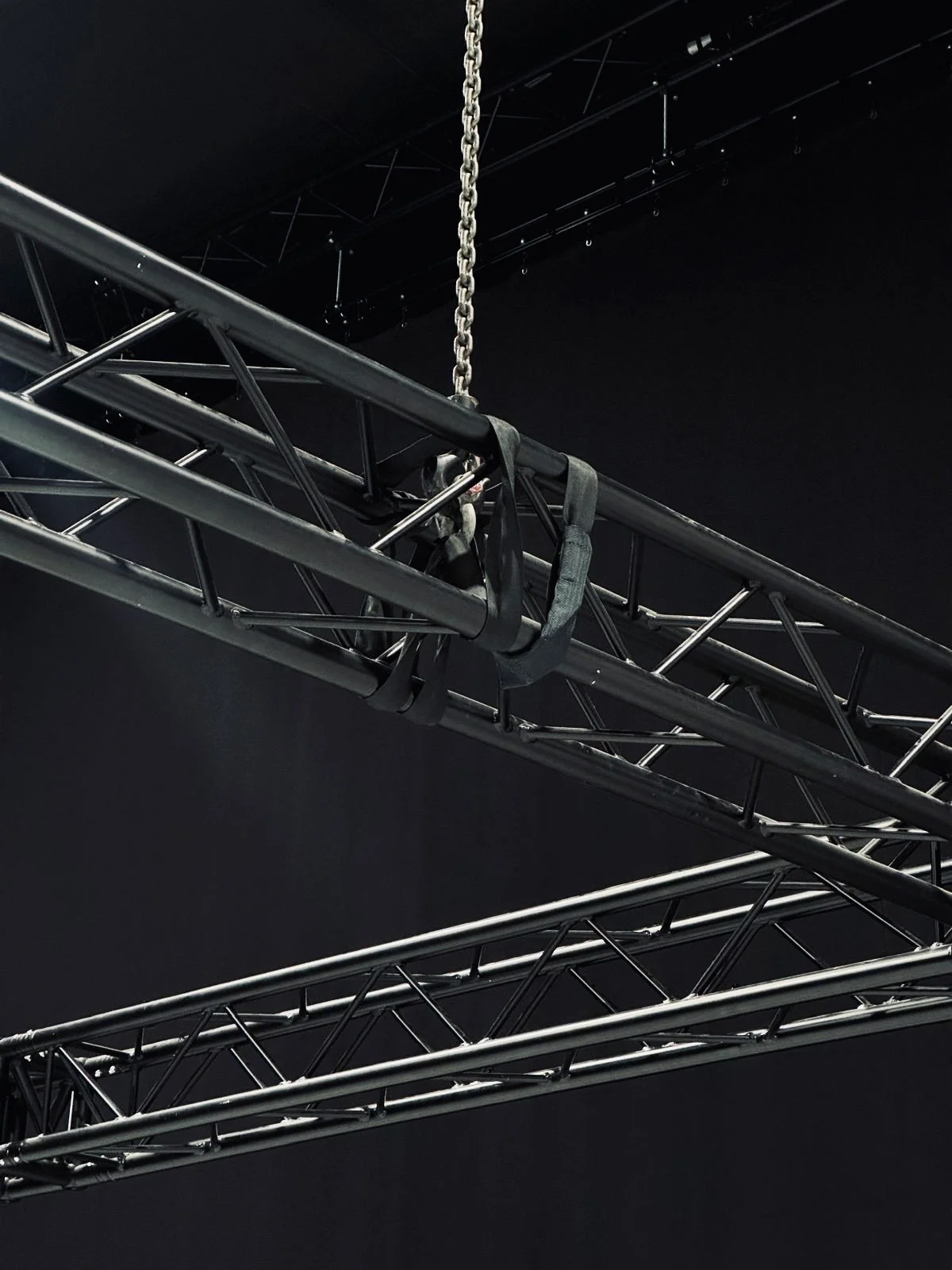
A working setup needs more than screens. Can the studio handle your gear weight and power draw? Is cable routing safe and fast to reset? Are your hoists ready? These factors often determine whether your shoot stays on track.
At Mammoth Film Studios, Studio 2 is designed for virtual production with blackout control, hoists, 3-phase power, and LED infrastructure. Studio 1 supports traditional builds. That clear division helps teams choose the right space without compromise. Plan logistics early. Infrastructure is part of setup, not an afterthought.
Testing & QA: The Pre-Flight Checks Before You Roll Cameras
QA avoids costly surprises.
Check:
- Tracking with final lens and move type.
- Wall brightness, colour, and moiré.
- Genlock and sync behaviour.
- Capture reference frames.
- Clarify approval roles.
If anything changes, re-test. Lenses, frame rates, and assets affect outcome. QA is there to keep the day moving.
When VP Is the Wrong Tool (and What to Do Instead)
Some shoots do not need VP. If your scenes rely on daylight, real-world flexibility, or last-minute creative changes, VP may add pressure, so it is worth comparing virtual production vs location shooting before you commit. If you do not have final backgrounds, green screen gives you more freedom. VP is a tool so use it where it helps. Skip it when it adds complexity.