What do film studio technical specifications actually tell you?
Studio specs translate directly to how a production can operate within the space. They indicate more than dimensions or equipment lists; they signal what the studio can genuinely support in terms of workflow, lighting, rigging, and logistics.
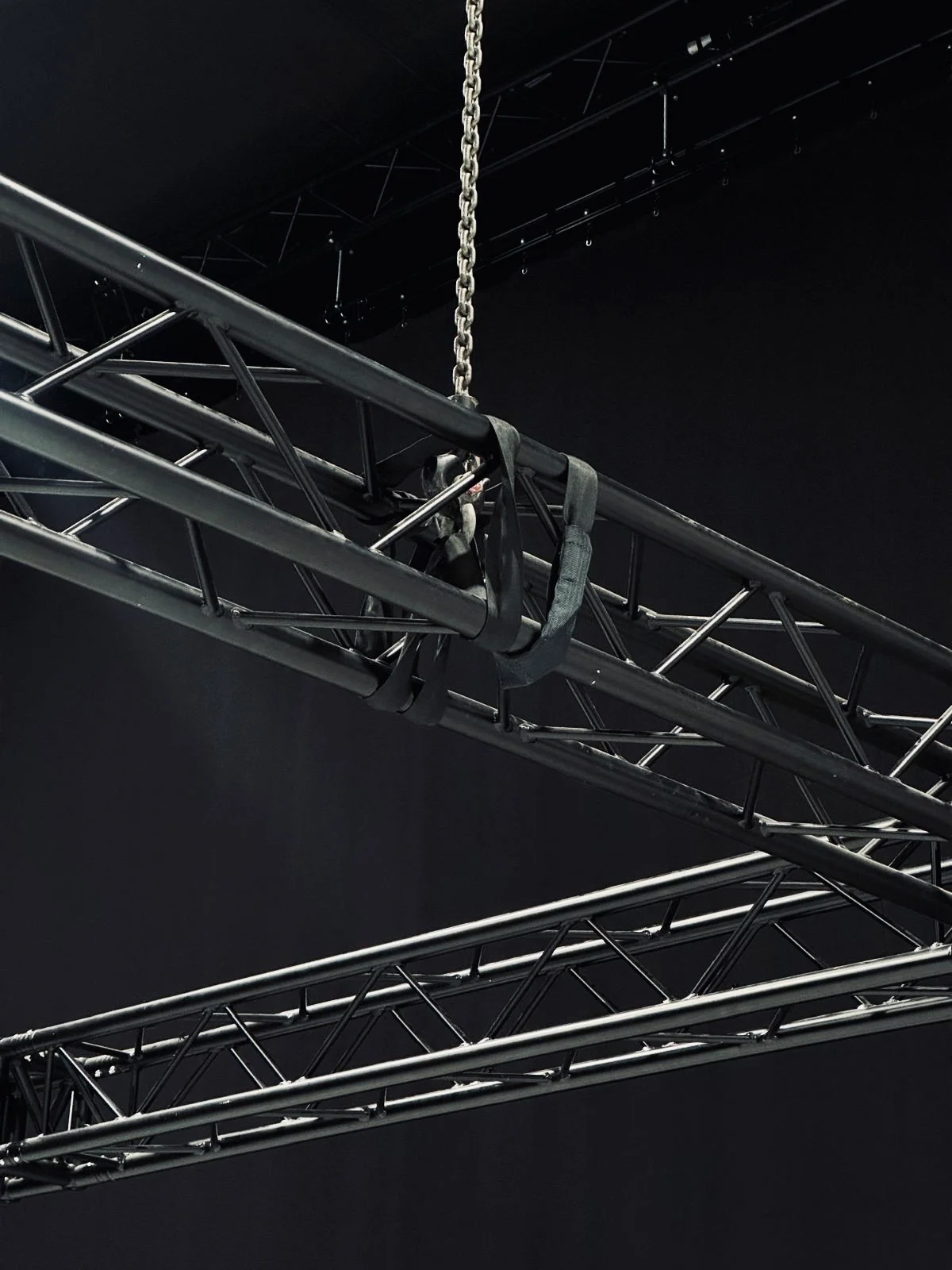
Interpreting Technical Specs as Operational Language
Specifications are not marketing embellishments. They are working constraints designed to inform producers and technical leads of what a space can manage safely and efficiently. Misreading them often results in operational friction, not minor inconvenience.
Size and layout A large square footage headline does not automatically mean expansive shooting space. Usable area may shrink once set builds, storage, or multi-zone setups are factored in. Always ask about clear span space and fixed obstructions.
Grid height Higher grids increase flexibility for lighting rigs, overhead set builds and scenic elements. A 24 ft rigging height, like in both studios at Mammoth Film Studios, opens up control and creative options that lower grids may restrict.
Blackout capability Not all blackout solutions are equal. Full ceiling-to-floor blackout via drapes or built design matters particularly for shoots with daylight-sensitive lighting setups or VP environments requiring absolute light control.
Capability availability vs distribution A spec that cites “200A 3-phase” signifies capacity, but distribution paths can differ. Confirm where capability drops are distributed and whether BS 7909 requirements have been addressed across the space.
Drive-in access Drive-in should not be read as convenience for load-in alone. Understand what vehicle sizes are supported, whether routing permits turning space, and how close technical vehicles can approach the stage door. Mammoth Studio 1, one of Mammoth's studio spaces in SE8, for instance, supports 18t box vehicles directly accessing the stage.
Match Specifications to Production Types
The value of each spec depends entirely on the type of production being undertaken.
- Commercial or fashion shoots often benefit more from a white infinity cove, high capability availability for lighting setups, and fast client turnover spaces. Studio 1 at Mammoth, with its 60 x 60 ft cove and 200A capability, is designed for such load-heavy applications.
- Narrative film or long-form content may prioritise blacked-out environments, substantial rigging infrastructure, and quieter production zones. Studio 2 offers this with its full blackout and 360° control.
- VFX-heavy work increasingly looks to virtual production. Studio 2 incorporates an integrated ROE 2.8mm HDR LED volume with rigging and playback support delivered via Elsewhere Productions.
- High-volume equipment shoots or those working with movement units should treat drive-in access, parking, and load-in zones as part of the location assessment, not as side considerations.
Choose specs based not on aspiration but on alignment with intended shoot mechanics.
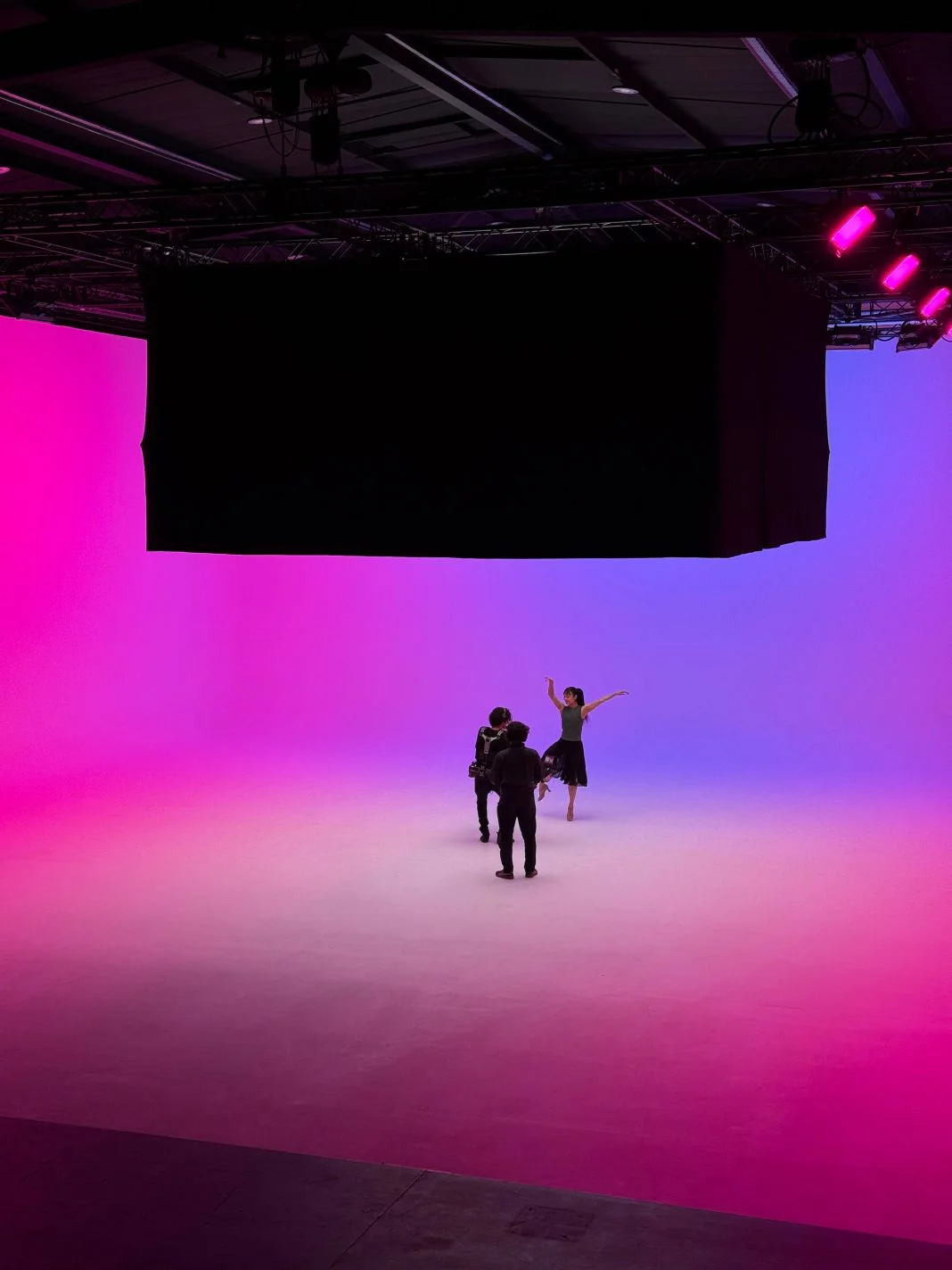
Reading Capability and Rigging Specs Correctly
Capability and rigging infrastructure often carry unfamiliar terminology, but their impact is immediate on-set. Here’s how to parse common spec elements:
- 3-phase capability (63A or 200A) Dictates the available load for high-draw fixtures or camera systems. For reference, 200A supports significant grip and lighting builds without requiring supplementary generators.
- Motorised trusses vs fixed beams Truss systems, such as the three motorised units in Studio 1, allow adjustable rigging positions and faster changes over. Fixed steel beams, like those in Studio 2, provide predictable load paths but require more setup time.
- Load limits per point Beam specs that state “1 tonne load per beam with travel trolleys” refer to safe overhead loading. This matters directly for suspending LED screens, scenic pieces or multi-point lighting grids.
- Chain hoists Installed chain hoist systems improve safety and rigging speed. Studio 2’s twelve 1-tonne chain hoists enable rapid setup of virtual production arrays or overhead scenic transitions with minimal manual lifting.
Cinelight London supports lighting infrastructure at Mammoth with known tolerances, reducing ambiguity over spec interpretation.
Assess Access and Transport Requirements First
Studios vary widely in how they support physical movement of equipment and crew. A strong spec sheet still relies on a functional load-in setup.
Drive-in scale Is the access route suitable for the size of your vehicles? Not every “drive-in” means a 7.5t or 18t truck can back to the doors. Check turning arcs, ceiling clearance, and immediate staging zones.
On-site parking Parking support is not a comfort detail. For production units with tech, lighting trucks, grip or facilities vehicles, on-site parking, like the 20 spaces available at Mammoth Studio 1, can streamline timing, safety, and loading.
Crew movement Step-free access is a must for rolling large kit, especially over multiple load-in days. The entire Studios 1 and 2 layout preserves ground-floor or ramped movement without dead zones.
Proximity to public transport Zone 2 studio sites near the Overground or Jubilee lines support producer and agency access during high-traffic periods. This can ease call timings and reduce taxi dependencies.
Misreading access compatibility often results in lost time, split teams or unsecured equipment staging, common examples of what slows down studio shoots.
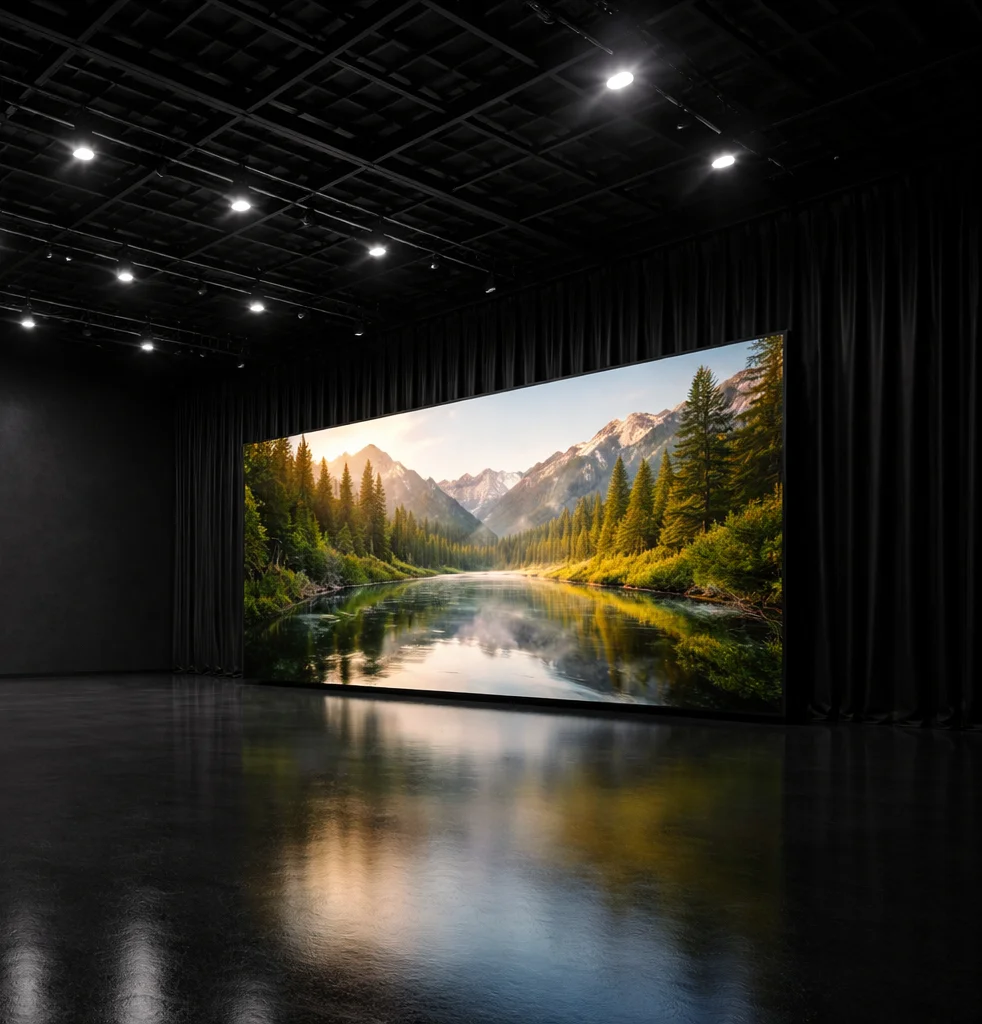
Virtual Production: Ask What’s Included
Virtual production involves more than having an LED wall. Effective VP infrastructure includes systems, supervision and rigging integration.
At Mammoth Studio 2:
- The LED volume (ROE 2.8mm HDR, 8 x 4 m) is modular and expandable
- 360° blackout and 12× chain hoists support wraparound and overhead elements
- VP services are delivered with Elsewhere Productions offering on-set crew, playback systems, camera tracking, and synchronised lighting control
Check that any virtual stage you are assessing includes:
- On-set technical supervision
- Real-time playback compatibility
- Integrated rigging and safe loading on LED installs
- Clear accommodation for crew workflow within LED space
Treat VP capability as a pipeline, not a screen.
Support Spaces Influence Workflow
Non-shoot zones are easily overlooked on specs but directly influence pace, comfort and decision-making on shoot days.
HMU and styling Studio 2 includes an eight-bay HMU space designed for simultaneous talent prep. This is important for ensemble spots or schedule-heavy fashion campaigns.
Client and production zones Studio 1 includes a separated client room and production mezzanine, which reduces footfall in high-sensitivity sets while keeping oversight and review seamless.
Dedicated areas Having separated styling, client and office zones prevents bottlenecks in crew movement. In commercial shoots requiring high interaction between art, agency and direction, this becomes a functional divider, not a luxury.
When reviewing specs, check not just that spaces “exist” but how accessible, equipped and segregated they are.
Pre-Booking Checklist: Key Questions to Ask
Before confirming a booking, use the spec sheet as a prompt for more detailed operational questions.
Here are seven checks that eliminate guesswork:
- What is the actual usable shooting footprint once build-outs or zones are delineated?
- How is the studio capability distributed relative to lighting positions? Is BS 7909 compliance supported?
- Are rigging elements fixed, truss-based or hoist-operated, and what are their certified loading specs?
- Can the space transition between cove, blackout or VP use within your time window?
- Is drive-in access suitable for your specific kit vehicles? Is parking allocated separately from working areas?
- Are support spaces physically separated from the shooting area? Can HMU, client, and production workflows run in parallel?
- What is delivered in-house versus through preferred partners (lighting, rigging, VP)? Are these confirmed for your dates?