What causes virtual production budgets to run high?
Overspending on virtual production often stems from a failure to understand its unique cost structures, technical dependencies and workflow demands. Clear planning, appropriate stage use and early team alignment can significantly reduce unnecessary expenditure.
Understand What Drives Virtual Production Costs
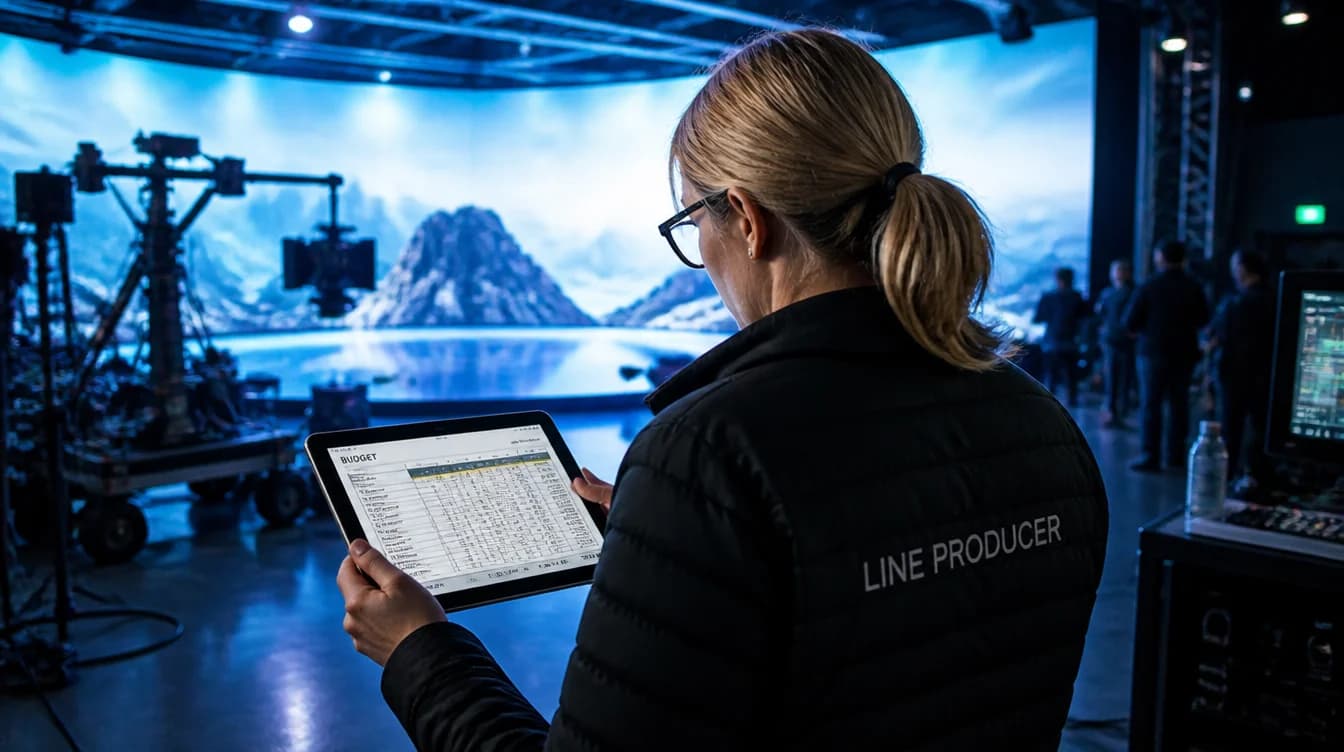
Virtual production introduces new layers of costs that differ substantially from traditional studio shoots. While physical infrastructure remains a factor, the majority of financial pressure comes from technology systems, skilled crew and pre-production assets.
There are several key cost drivers to consider:
1. Fixed vs Variable Costs Fixed costs typically include the base hire of the LED stage, associated playback systems and rates for the supervising team. Variable elements can include LED volume configuration, playback resolution, tracking systems and virtual asset development.
2. Misconceptions Around LED Volume Pricing Many producers assume that LED volume cost scales purely with its physical size. In reality, pricing is more affected by pixel density, HDR capabilities and the required refresh rate for camera sync. For example, systems using ROE 2.8mm HDR panels demand more processing capability, which increases playback system requirements and crew technical supervision.
3. Previsualisation and Technical Prep Previs is not optional for most virtual production. Developing and testing environments in Unreal Engine, setting up real-time rendering pipelines via Disguise, and aligning scene blocking all add time and cost before cameras roll. Underestimating this phase creates downstream delays and rework.
4. Real-Time Systems and Integration Virtual production relies on consistent camera tracking, synced playback, colour-accurate LED walls and real-time rendering, the entire system must function as a single pipeline. Every integration point introduces technical challenge and financial weight.
5. Booking the Stage Is Just the Beginning Hiring the volume is only a portion of the spend. Crew specialisation, environment design, lighting adaptation and on-set playback control all contribute significantly to final costs.
Knowledge these mechanics can help teams plan budgets realistically, reducing the risk of hidden overruns later in production.
Align Creative Ambition with Technical Reality Early
Misaligned expectations between creative direction and technological execution often lead to budget headaches. A storyboard that looks seamless on paper can discreetly ask for an environment scale, camera move or parallax depth that exceeds the LED stage’s capacity.
Without early input from technical supervisors, virtual environments can be designed in ways that cannot perform under real-time conditions. This misstep often forces late-stage reshoots, hasty environment simplifications or revision costs during asset creation.
By contrast, when directors, DPs and art departments collaborate with the virtual production team at the conceptual stage, the benefits compound. Previsualisation helps clarify lighting, tracking paths and environment limits. Technical teams can test configurations in Unreal Engine before asset building begins. And camera blocks can be refined to match set capabilities.
Elsewhere Productions, which oversees playback and LED operations in Studio 2 at Mammoth Film Studios, encourages pre-project collaboration, part of the Mammoth virtual production process, specifically to avoid misinterpretation and mid-production correction work. When creative and technical teams are aligned from the outset, spend is more predictable and performance more reliable.
Choose the Right Stage for the Right Job
Not every production benefits from an LED volume or virtual stage. Choosing an infrastructure that suits the creative and operational needs prevents the unnecessary cost of running over-specified systems.
At Mammoth Film Studios in London Zone 2, the two stages provide a clear example of how appropriate studio selection matters:
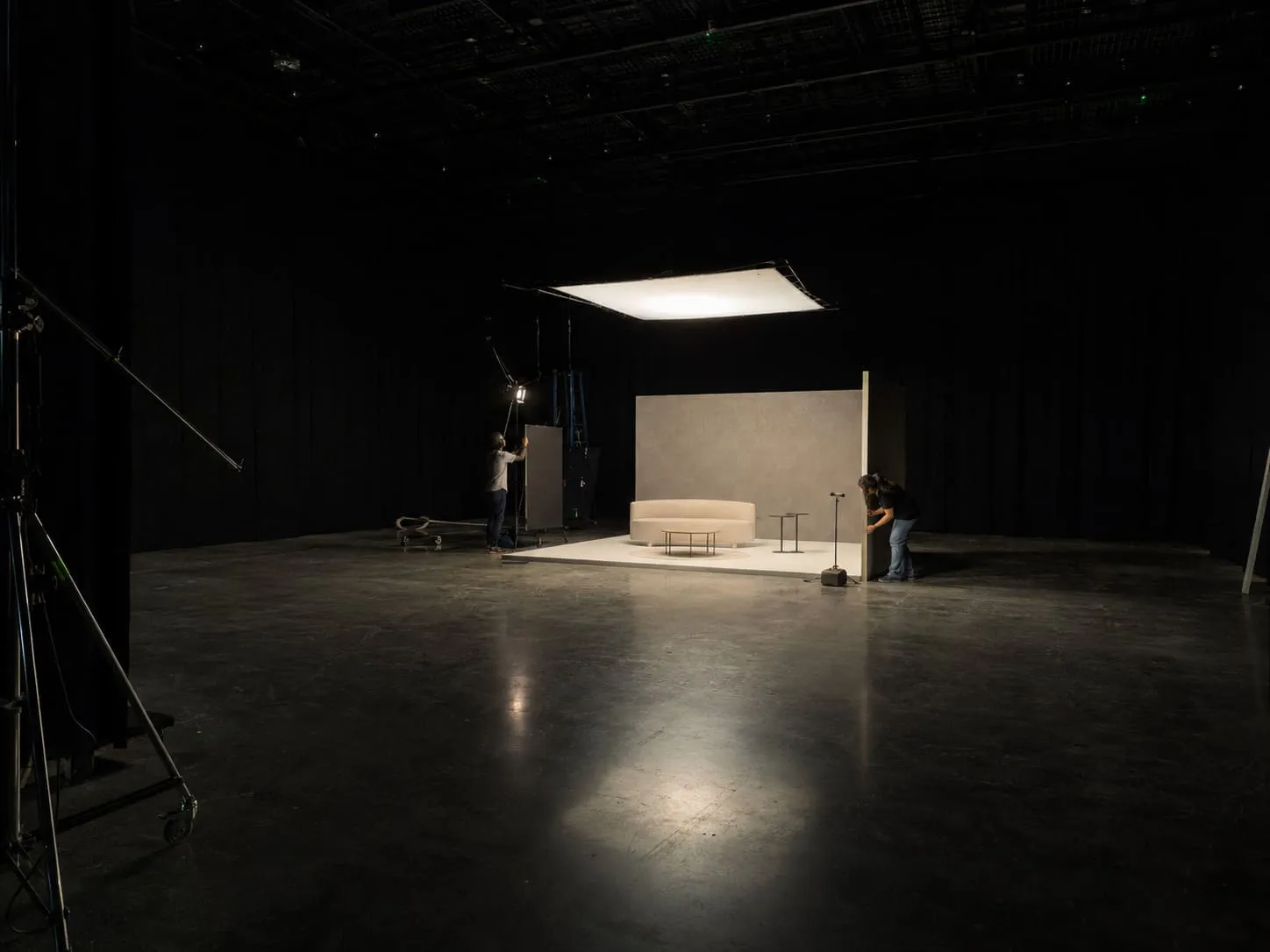
Studio 1 to Traditional Large-Format Stage Designed for commercial shoots, photography and traditional film setups, Studio 1 features an 8,000 sq ft space with a 60 x 60 ft white infinity cove and full blackout capabilities. It supports heavy rigging, drive-in access and multiple camera configurations, making it suitable for shoots that do not require real-time environment playback.
Importantly, Studio 1 does not support LED or virtual workflows by default, which can make it the smarter choice for shoots that rely more on physical builds or traditional backgrounds.
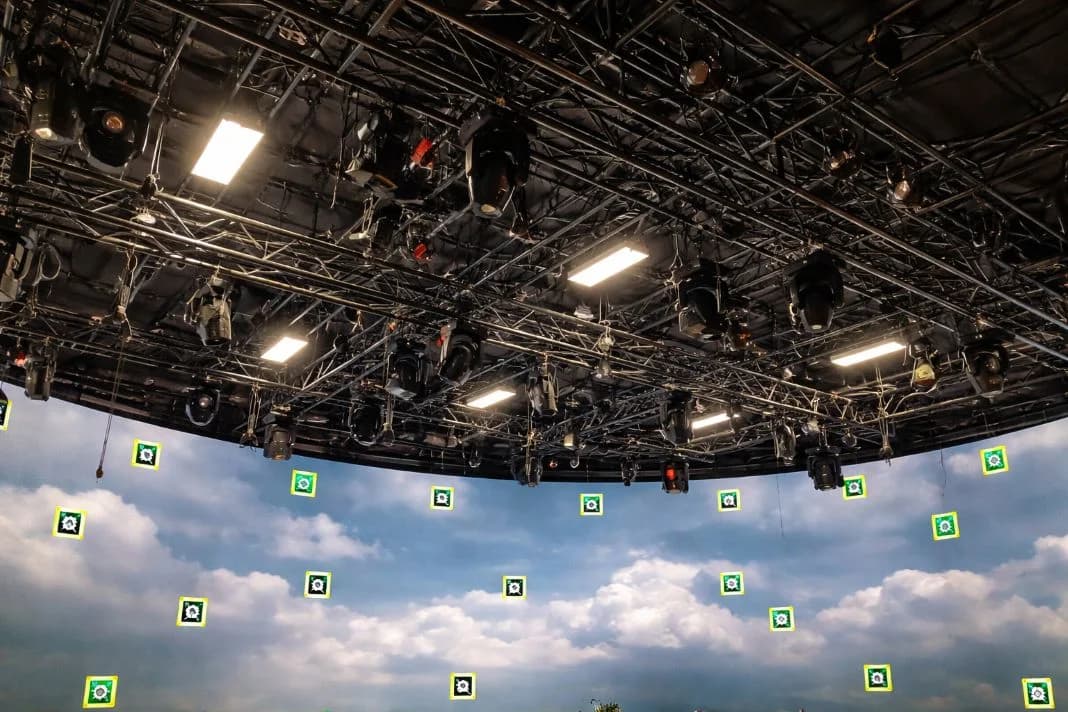
Studio 2 to Virtual Production-Ready Stage At 5,000 sq ft, Studio 2 integrates a modular 8 x 4 m HDR LED volume, complete blackout control and dedicated rigging infrastructure optimised for real-time playback and motion tracking. It is better suited to productions requiring flexible environments, interactive lighting and frequent location shifts within a controlled interior setting.
Checklist: Is Virtual Production Necessary?
- Is the environment static, repeatable or requires change?
- Are there benefits in reducing physical construction?
- Will camera movement demand active backgrounds?
- Is real-time lighting interaction important to the shot?
- Do you have sufficient pre-production time to build and test assets?
Studios are not interchangeable. Matching your brief to the right space avoids wasted spend and underutilised systems.
Build Realistic Timelines for Pre-Production
Virtual production rewards preparation. The challenge of rendering pipelines, environment builds and camera sync means every department must be aligned before the shoot day. Unlike some traditional workflows, there is little tolerance for improvisation on set.
Time must be allocated for the following:
Asset Development and Approval Weeks may be needed to create digital environments. This includes modelling, texturing, lighting setup and integration into real-time rendering engines. Each round of approval can shift timelines significantly if not managed early.
Tech Rehearsals and Playback Testing Test days allow for environment integration, playback latency checks and sync validation. Skipping these creates risk of on-set interruptions or unplanned downtime.
Scene Blocking and Camera Training Tracking systems and lens encoding require precise calibration. DPs and camera operators benefit from testing moves within the virtual space to confirm parallax and light behaviour.
Scheduling Suggestion (for a mid-scale commercial):
- Weeks 1 to 2: Creative brief finalisation and asset planning
- Weeks 3 to 5: Asset build, playback system setup
- Week 6: Test day and technical rehearsal
- Week 7: Shoot
Rushing this schedule may save days on paper, but often results in more days lost to unforeseen issues. Front-loading effort protects the shoot and stabilises the budget.
Clarify Crew Roles and Technical Supervision
Roles shift under a virtual production model. While traditional units might rely on fixed lighting and a director-only creative chain, real-time shoots require tightly coordinated technical supervision across virtual systems.
At minimum, a production using a virtual stage should account for:
- Virtual Production Supervisor: Oversees environment integration, monitors system health and liaises across departments
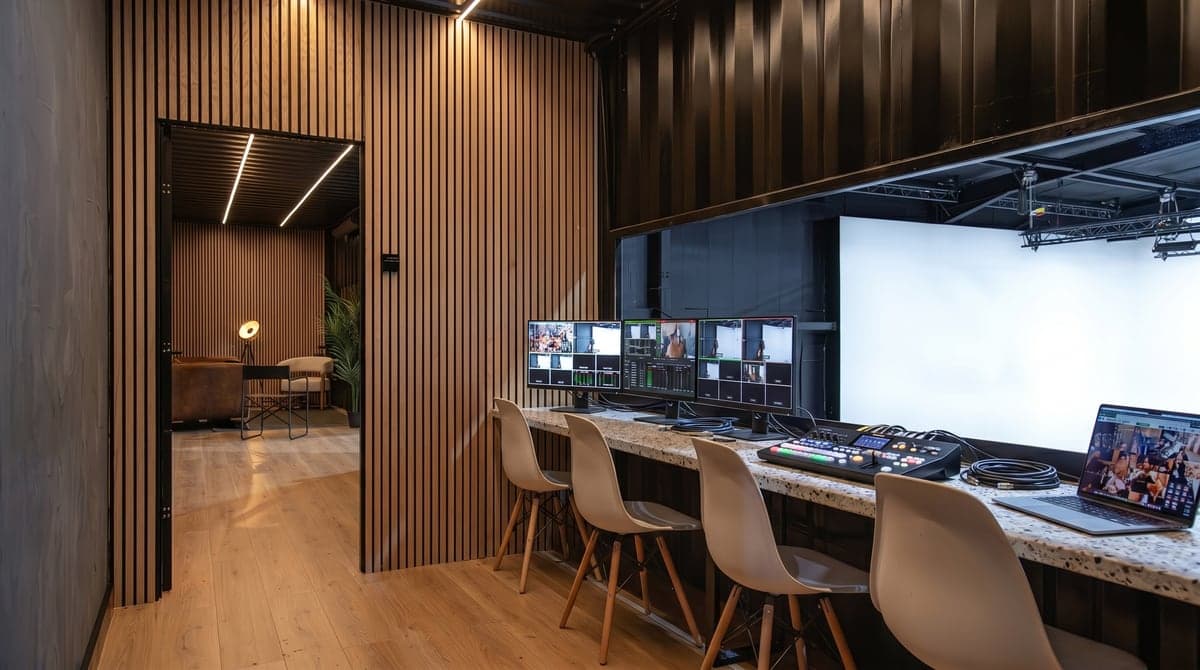
- Playback Operator: Manages real-time display of environments during takes, often using Disguise or similar systems
- Unreal Engine Artist: Ensures assets are correctly optimised and reacts to notes during test and rehearsal
- LED Technician: Configures and maintains panel colour, brightness and refresh rate compatible with camera settings
- Camera Tracking Technician: Handles camera positional data and ensures accurate rendering synchronisation
These specialists are not interchangeable and often come from different vendors or in-house partnerships. Mammoth Film Studios works with in-house virtual technicians via Elsewhere Productions, offering continuity for teams unfamiliar with the day-to-day demands of LED systems. This operational clarity helps productions avoid duplicated contracts or mismatched crew assumptions.
Having each role defined and scheduled correctly prevents production stalling, reduces overtime and allows departments to work with confidence.
Avoid Overbuilding Digital Environments
One of the most common causes of budget creep is allowing environments to spiral in challenge beyond what the camera ever sees. High-fidelity builds may be impressive in software, but when only one angle is required, the cost can outweigh the impact.
Producers and art directors can keep scope in check by asking:
- Is the detail visible in frame?
- Can atmospheric effects or lighting help imply depth?
- Is a backdrop or matte extension sufficient for the angle?
- Do we need full 3D parallax, or can a static plate serve?
- Are we building for a moving camera, or a locked off shot?
At times, a single environment may offer the illusion of several scenes with simple lighting and perspective changes. Adjusting saturation, weather, or time of day can provide the variation required, without multiplying asset demands or render load.
Previs tools offer an effective way to test this. Blocking shots within a low-fidelity version can ensure resources are spent where they matter, on what the lens will actually capture.
Treat Virtual Production as a Workflow, Not a Feature
Overspending frequently arises when virtual production is introduced late in planning, rather than considered from the start as part of the pipeline. Treating it as a last-minute add-on typically leads to misalignment between departments, asset incompatibility and duplicated efforts.
A well-integrated workflow covers:
- Environment planning alongside creative development
- Consistent file handling across asset development and playback
- Early infrastructure alignment between LED team and DoP
- Tech scouting and rehearsal scheduled into master planning
- Common knowledge across shoot, post and VFX on responsibilities
Studios such as Mammoth, which integrate Elsewhere for virtual production and Cinelight London for lighting systems, can support this continuity. Their operational structure allows teams to function across departments without needing to rehearse vendor-to-vendor interfaces for every job.
Virtual production works best when it is not positioned as a novelty. It is a practical toolset that, when embedded correctly into the production pipeline, saves time, reduces confusion and supports creative ambition with control. Integrating it fully, not partially, is the most effective way to stay on cost and on schedule.