What do commercial producers need from a studio before the shoot?
To avoid disruption and delays, producers must confirm that the studio offers everything from suitable space and access to technical support and legal compliance. Planning for both the shoot and the wrap helps ensure the day runs smoothly. A pre-production checklist gives a clear way to stay on track.
Check the Studio's Size, Layout, and Access Times
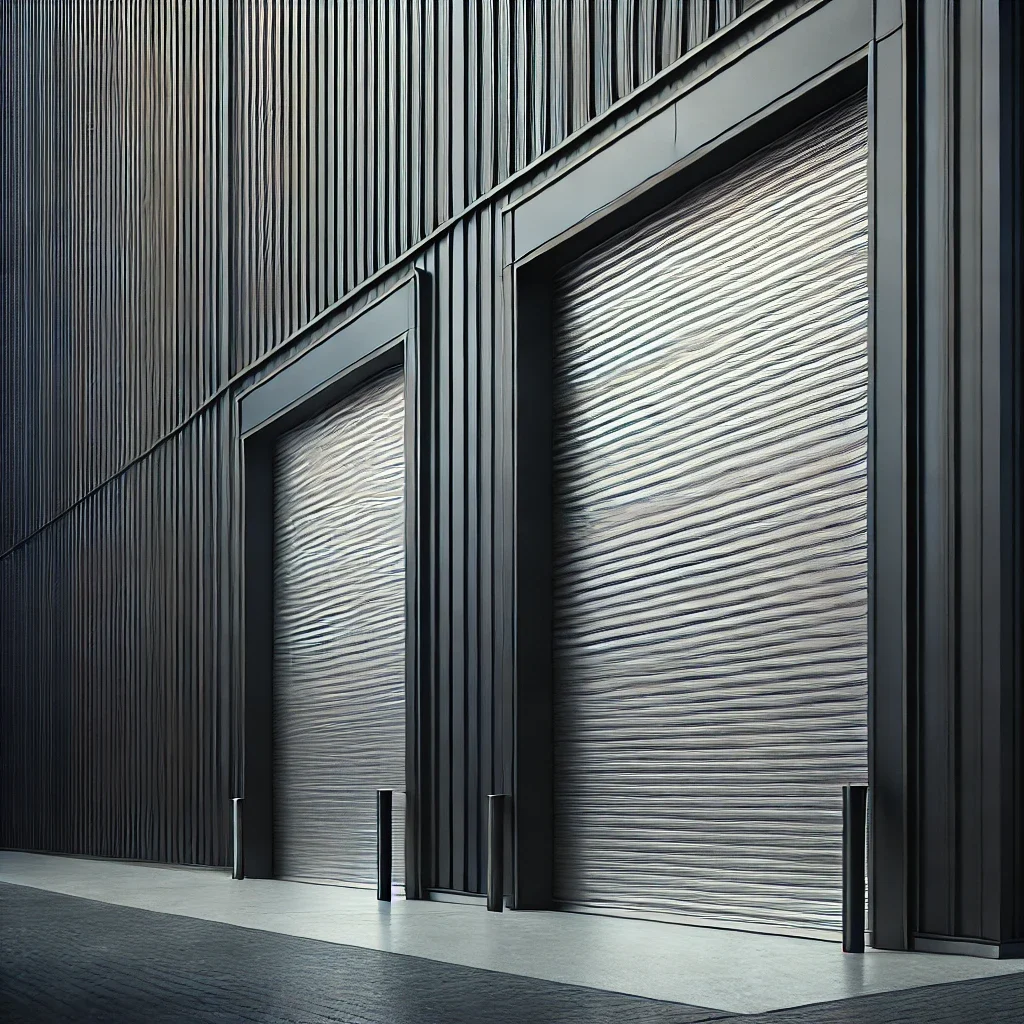
Location logistics tip: A studio’s physical address can affect production. If it is in a city centre, check whether there are any vehicle restrictions, limited parking options, or controlled loading hours. Out-of-town locations may offer more space but can mean longer travel times for crew or clients. Always factor location into timing and transport plans.
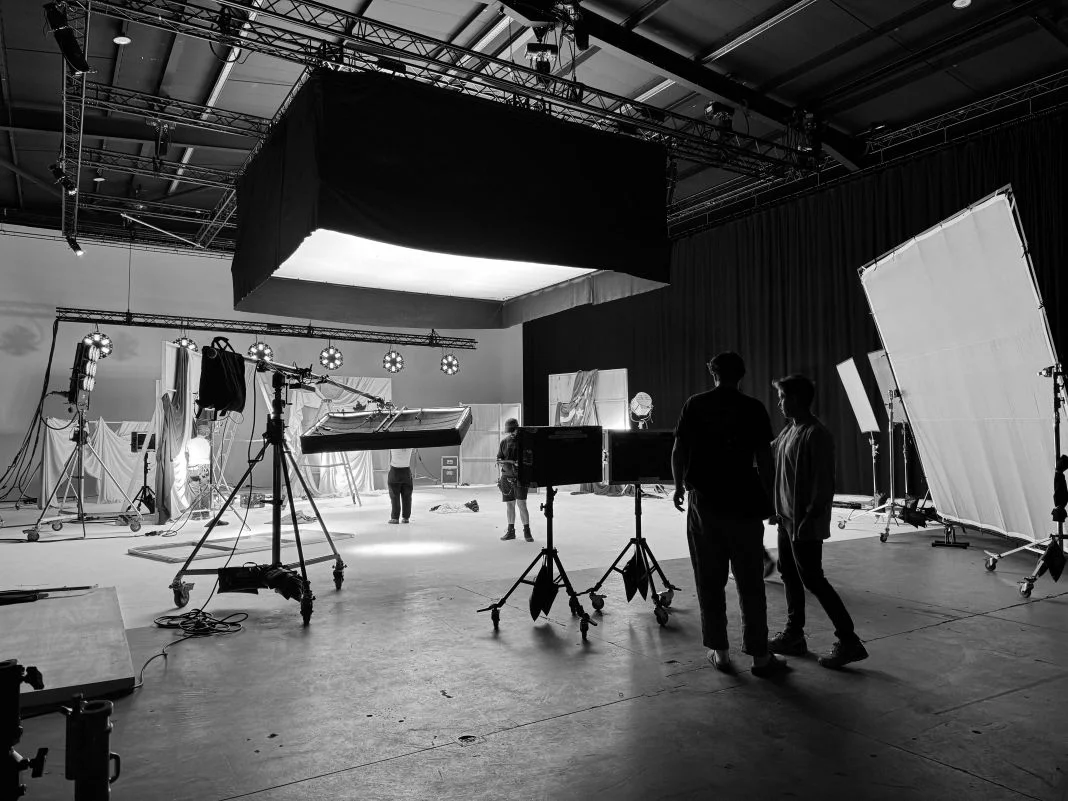
Before confirming a booking, check that the studio, whether Studio 1 at Mammoth or another space, meets the physical needs of your production layout.
- Measure the total floor space based on your set design, equipment, and crew movements.
- Request a studio floorplan with entry points, loading routes, and holding areas.
- Confirm studio access hours. Will you have early entry or time to pack down?
- Ask if there are loading ramps, lifts or gear trolleys to help with setup.
- Check whether access is limited by time, noise restrictions, or narrow entrances.
Clarity on access and layout helps avoid stress during production.
Confirm Available Equipment and the Studio's Data Handling Setup
Ensure that the studio’s technical infrastructure aligns with your gear list and media workflow.
- Request a full studio equipment checklist including lighting rigs, grip kit, blackout options, and green screen.
- Ask if a Digital Imaging Technician (DIT) station is available for data offload, file handling, and media wrangling.
- Confirm if they have fibre internet or high-speed secure Wi-Fi for uploads or live review.
- Check the rules on bringing in external kit. Does it require PAT testing?
- Clarify their media handling process. Are backups, file verification, drive cloning, and proxy file creation supported?
Compare your own kit manifest and ingest process to prevent issues.
Lock in the Booking Schedule and Access Requirements
Understand how the studio manages rental times, changes, and overages.
- Are time blocks flexible or fixed? Can you book custom hours?
- What is their fee structure if your shoot schedule overruns?
- Is buffer time available for early setup or late strike?
- Do they require a holding deposit, and how long will they reserve dates?
- Ask how their booking sheet aligns with your call sheet. Can you sync access times?
Confirming these details helps you stay on schedule and avoid added costs.
Review On-Site Support, Crew Availability, and Facilities
Understand what in-house support and production facilities are provided.
- Will a studio technician or coordinator be on-site to assist with lighting, grip, or audio?
- Are toilets, kitchen access, green rooms, and wardrobe areas clean and functioning?
- Can the team support set delivery logistics or production coordination?
- Is there a designated tech contact or help desk for crew assistance?
Clear information about crew support and amenities prevents unexpected disruption.

Prepare Brand and Client Comfort Spaces
Client comfort contributes to smoother feedback and decision-making.
- Set up a playback zone with a screen, headphones, and quiet space.
- Confirm access to Wi-Fi, plug sockets, and refreshments.
- Ask if temporary branding is allowed in shared areas.
- Check whether client-facing approval setups or isolated review stations are available.
Dedicated feedback stations make brand approvals easier and more efficient.
Check Insurance, Legal Documentation, and Safety Protocols
Ensure everything is compliant before arriving on site.
- Ask for current public liability insurance (PLI) and licensing.
- Review risk assessment templates, fire route maps, and first aid protocols.
- Confirm whether hygiene or COVID-related procedures still apply.
- Check if you are permitted to carry out your own risk assessment and mitigation.
Having documentation ready protects the production from legal and safety issues.
Clarify the Handover Process for Files and Equipment
Plan how the shoot will end and how assets will be delivered.
- Who is responsible for backing up media, is it your team or the studio?
- Will you receive a DIT log, file inventory, or shoot summary?
- When and where should hired items be returned?
- Can the studio assist with delivering rushes or files to the post-production team?
What You Leave With
- Secure backups of rushes and proxy files
- A shoot log, file report, or ingest summary
- A signed return checklist for all hired equipment
- Confirmation that assets have been handed to post or agency teams
Planning this in advance prevents delays or lost material.
Use a Final Pre-Shoot Studio Checklist
Create a one-page pre-production checklist to keep the team aligned.
- Include kit requirements, studio access times, safety procedures, and contact information.
- Add planning tools such as shoot prep documents, recce notes, and checklist templates.
- Share with your production manager, assistant director, or studio coordinator before the shoot.
- Use it during the tech scout to confirm all elements are in place.
A well-structured checklist prevents issues and increases team confidence on the day.